10 Best Places to Sell Ebooks in 2026
The 10 best places to sell ebooks in 2026, from Amazon KDP, Apple Books, Kobo and Google Play to Draft2Digital, Etsy, Gumroad, Payhip and your own site. Fees, royalties and who each suits.
 By Philip Ghezelbash
Here are the 10 best places to sell an ebook in 2026, in three kinds of places: ebook stores (Amazon KDP, Apple Books, Kobo, Google Play Books), marketplaces and creator platforms (Etsy, Gumroad, Payhip), and your own website. Stores bring readers who are already browsing for books. Creator platforms and your own site work best when you already have an audience. Most authors use more than one.
This guide compares each option, with the fees and rules as of October 2026, then helps you pick. For the whole process from manuscript to store, see our guide to self-publishing an ebook. Fees change often, so confirm anything that affects your money on the platform's own pricing page.
The three routes at a glance
| Route | Examples | Best for | You get | You give up |
|---|---|---|---|---|
| Ebook stores | Amazon KDP, Apple Books, Kobo, Google Play | Reaching new readers who search for books | Built-in traffic, simple setup, delivery handled | Lower control, price rules, little contact with buyers |
| Marketplaces and creator platforms | Etsy, Gumroad, Payhip | Selling PDFs and digital products to your audience | Flexible pricing, any file type, faster payouts in some cases | Less book-specific traffic, platform fees |
| Your own website | Your site with a checkout tool | Established audience, bundles, higher prices | Full control, customer emails, brand | You bring all the traffic and handle support |
Ebook stores
1. Amazon KDP
Amazon is the largest ebook store, so it is the default choice for reaching readers who browse for books. We cover the full process in how to publish an ebook on Amazon KDP.
- Royalty: Two options. The 35% option works across all prices. The 70% option applies to list prices from $2.99 to $12.99 on Amazon.com, minus a delivery cost of $0.15 per MB, and only in eligible countries.
- File: EPUB, DOCX or KPF are recommended.
- KDP Select: An optional 90-day program that adds Kindle Unlimited and promotions, but requires you not to sell or give away the ebook in digital form anywhere else. Print and audio aren't affected.
- Review time: Usually 24 to 72 hours.
- Good for: Almost every ebook author, especially in genres where readers search Amazon first.
- Watch for: The Select exclusivity rule, which affects every other place on this list.
2. Apple Books
Apple Books reaches people on iPhone, iPad and Mac. Our step-by-step guide shows how to publish a book on Apple Books.
- Royalty: Apple pays 70% of the list price, with no delivery fee. Confirm the current rate in Apple Books for Authors.
- File: EPUB, which must pass EPUBCheck validation.
- ISBN: Apple lets you publish through its own self-service tools without buying an ISBN.
- AI rule: AI-generated content must be labeled with an "AI Generated by" credit and noted in the description.
- Good for: Authors whose readers use Apple devices, and anyone who wants a simple, high royalty.
- Watch for: The validation step. A broken EPUB gets rejected, so check your file first.
3. Kobo Writing Life

Kobo is strong in Canada, Europe, Australia and other international markets, and it reaches libraries. Our step-by-step guide shows how to publish a book on Kobo.
- Royalty: 70% on ebooks priced $2.99 and above, 45% below that.
- File: EPUB is recommended. Kobo converts other accepted formats, such as Word files, to EPUB.
- ISBN: Not required. Kobo can issue its own identifier.
- Good for: Authors who want international reach, with no exclusivity.
4. Google Play Books

Google Play Books reaches Android and web readers in many countries. See how to publish a book on Google Play Books for the steps.
- Royalty: Around 70% in most regions once you accept the current terms, with lower rates in some regions. Check the Partner Center for the current rates.
- File: EPUB and PDF are both accepted, and Google recommends uploading both.
- ISBN: Optional. If you leave it blank, Google assigns its own identifier.
- Good for: Authors who want one more store with no exclusivity, and who have PDF-first content.
Aggregators
An aggregator uploads your book once and sends it to many stores and libraries, so you can be wide without managing five accounts. You give up some control, and they charge in different ways, so compare current terms before you choose.
5. Draft2Digital
- Fees: Keeps about 10% of the list price on each sale. No upfront cost.
- ISBN: Optional. Draft2Digital offers a free one, with Draft2Digital as the publisher of record, usable only through Draft2Digital.
- Good for: Going wide to many stores and library platforms from one dashboard.
6. PublishDrive
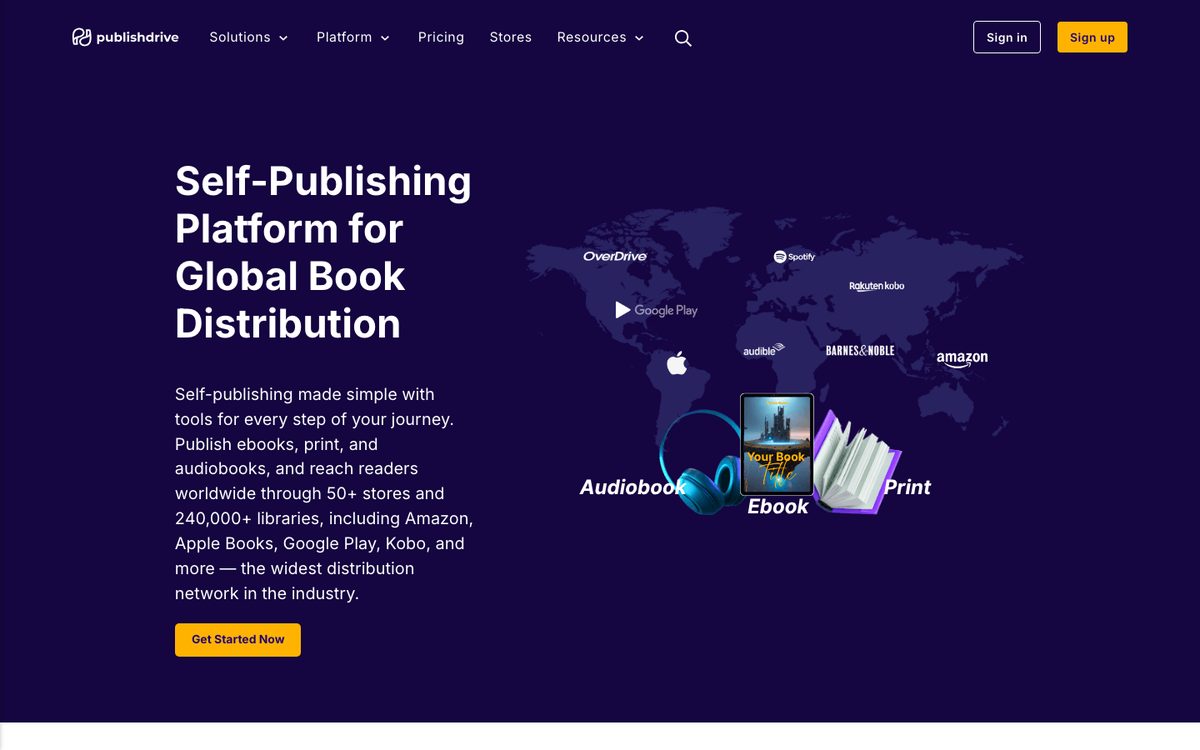
- Fees: A monthly subscription instead of a cut, so you keep the full store royalty.
- Good for: Authors with steady sales across many stores, where a flat fee works out cheaper than a percentage.
Creator platforms and marketplaces
7. Etsy
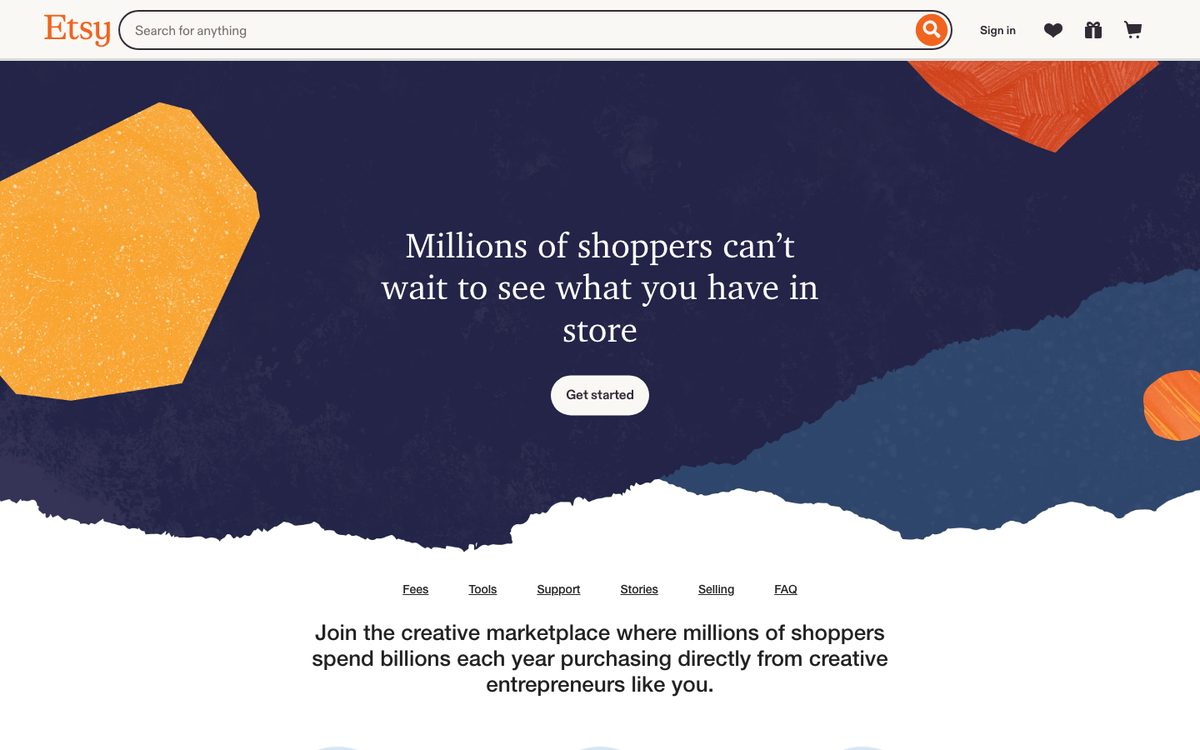
Etsy is a marketplace where buyers already search for digital downloads such as planners, workbooks and printables.
- Fees (US seller): $0.20 listing fee, 6.5% transaction fee and a payment processing fee of 3% plus $0.25. Offsite Ads, if they apply, are extra.
- Files: Digital listings allow up to five files of up to 20 MB each.
- AI rule: Items created with AI must be disclosed in the listing.
- Good for: Workbooks, planners, templates and practical guides sold as PDFs.
- Watch for: Competition, the AI disclosure rule, and the need for good listing images.
Full walk-through: how to sell ebooks on Etsy.
8. Gumroad
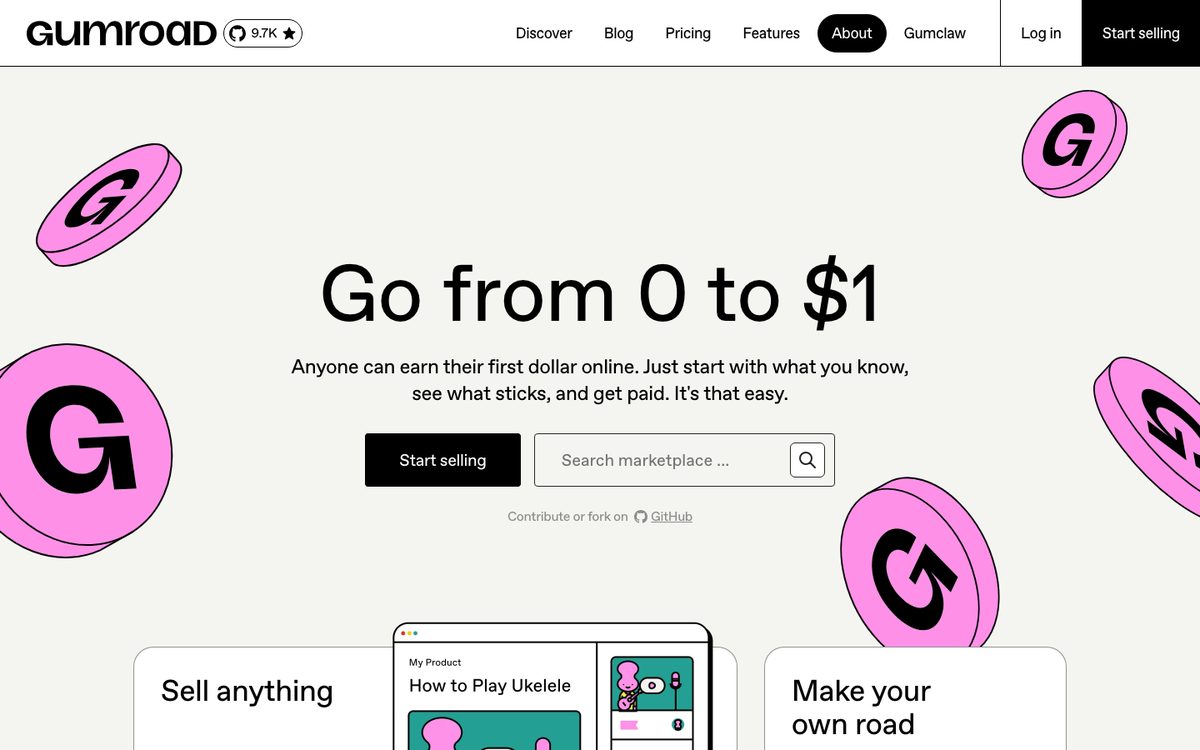
Gumroad lets you sell a PDF or EPUB with a simple checkout and a shareable link.
- Fees: Published rates are 10% plus $0.50 per direct sale, with card processing on top. Sales that come through Gumroad's own Discover marketplace carry a higher flat fee of 30%, which includes processing.
- Good for: Selling to an audience you already reach through email, social media or a blog.
- Watch for: The fee difference between direct and Discover sales, and that fees aren't returned on refunds.
9. Payhip
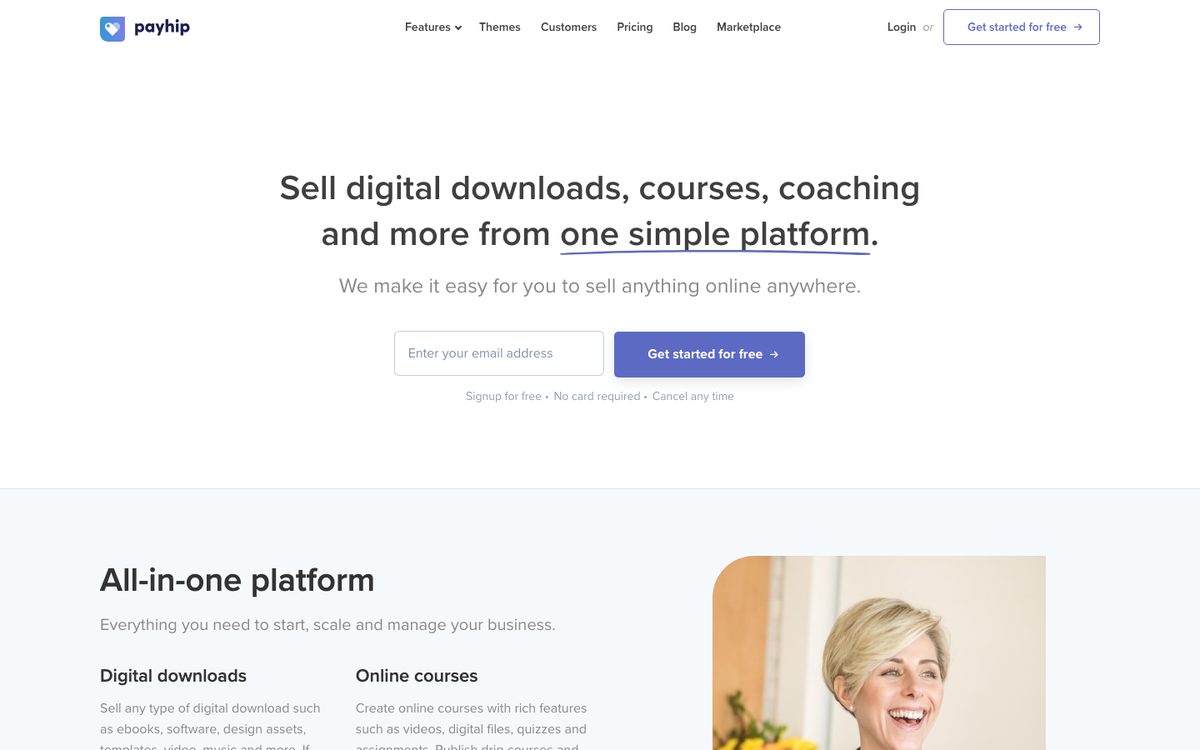
Payhip is similar to Gumroad, with a free plan.
- Fees: A free plan with a 5% transaction fee, a Plus plan at $29 a month with 2%, and a Pro plan at $99 a month with no Payhip transaction fee. Payment processing is extra on every plan.
- Good for: Creators who want lower per-sale fees and may grow into a paid plan.
Selling direct
10. Your own website
Selling from your own site means you handle the page, the checkout and the file delivery, usually with a checkout tool. In return you get the buyer's email address, full control of price and bundles, and no store between you and your reader.
- Good for: Coaches, consultants, bloggers and course creators with an email list, social following or steady traffic.
- Costs: Payment processing fees, plus whatever your checkout or website tool charges.
- Watch for: You are responsible for traffic, taxes, refunds and customer support. Check the rules for selling digital goods where your customers live.
A PDF is the usual file for direct sales, often with an EPUB included. See PDF vs EPUB for which format fits.
What you keep per sale
Here is a rough comparison on a $19 PDF sold directly, using published fee rates and a typical card processing rate of 2.9% plus $0.30 where it applies. Real numbers vary by country and plan.
| Platform | Platform fees | Processing | You keep, about |
|---|---|---|---|
| Gumroad (direct sale) | 10% + $0.50 = $2.40 | about $0.85 | about $15.75 |
| Gumroad (Discover sale) | 30% = $5.70 | included | about $13.30 |
| Payhip Free | 5% = $0.95 | about $0.85 | about $17.20 |
| Etsy | $0.20 + 6.5% ($1.24) | 3% + $0.25 ($0.82) | about $16.74 |
For a Kindle ebook the math is different. A $4.99 book on the 70% option with a 1.5 MB file pays about $3.34 on Amazon.com. Use the KDP royalty calculator to work out Amazon royalties in detail.
KDP Select and being on more than one platform
KDP Select is the biggest choice that changes where you can sell. While an ebook is enrolled, you can't sell or give away that ebook in digital form anywhere else, including as a PDF on your own site or Gumroad. A different product, such as a separate workbook, is fine.
| If this is you | Consider |
|---|---|
| Most readers find you on Amazon, and you want Kindle Unlimited | Select, for a 90-day trial |
| You sell a lot to your own audience | Stay out of Select |
| You want every store and every channel | Stay out of Select and go wide |
| You aren't sure | Try one 90-day term, then decide with your own sales data |
How to pick
Answer these in order.
- Do you already have an audience? If yes, sell a PDF directly through your site, Gumroad or Payhip, and keep the customer emails.
- Do you want to reach strangers who search for books? Add Amazon, then Apple Books, Kobo and Google Play.
- Is it a workbook, planner or template? Etsy and direct sales usually fit better than book stores.
- Do you want a paperback? KDP prints on demand, and you will need a print-ready interior file.
- Do you want less admin? Fewer platforms means fewer dashboards, payouts and tax forms.
A common setup is an EPUB on the stores for discovery, plus a PDF sold directly to your own audience. Koobe exports both from the same book, along with a print interior PDF and a cover image, so each fix only needs to be made once.
Mistakes to avoid
- Enrolling in KDP Select and forgetting the exclusivity rule. Selling the same ebook elsewhere while enrolled breaks the terms.
- Uploading a PDF to a store that wants EPUB. Most stores want a proper EPUB. See PDF vs EPUB.
- Ignoring fees at low prices. Fixed fees take a bigger share of a $5 product than a $29 one.
- Skipping AI disclosure. Amazon, Apple Books and Etsy each have rules. See Can I publish a book written by AI on Amazon?.
- Treating one platform as your only channel. Collect emails where you can, so you own your audience. Our guide on how to promote an ebook covers the channels that work.
The short answer, again
- Reach new readers: Amazon KDP first, then Apple Books, Kobo and Google Play.
- Sell to your own audience: your website, Gumroad or Payhip, with a PDF.
- Sell workbooks and printables: Etsy and direct sales.
- Check KDP Select before you go wide, because it limits where else you can sell.
- Compare what you keep per sale before you set a price.
Describe your book in a sentence. Koobe plans the chapters, writes them, designs the cover and exports a PDF and EPUB. Your first book is free.

“Files were ready for KDP, which is what I actually needed. First book I’ve finished.”