How to Publish a Book on Apple Books
How to publish an ebook on Apple Books: what you need, the steps in Apple’s publishing portal, pricing and royalties, and why books get rejected. Checked October 2026.
 By Philip Ghezelbash
You can publish an ebook on Apple Books for free through Apple’s publishing portal, which runs in a browser. You need an Apple Account with two-factor authentication, an EPUB file that passes the latest EPUBCheck, a cover image, and tax and banking details if you want to sell the book. Apple pays authors a 70 percent royalty on all price points.
This guide walks through each step, what Apple asks for, and the mistakes that get books rejected. Apple’s help pages carry no dates, so we checked them in October 2026 and you should confirm each screen as you go.
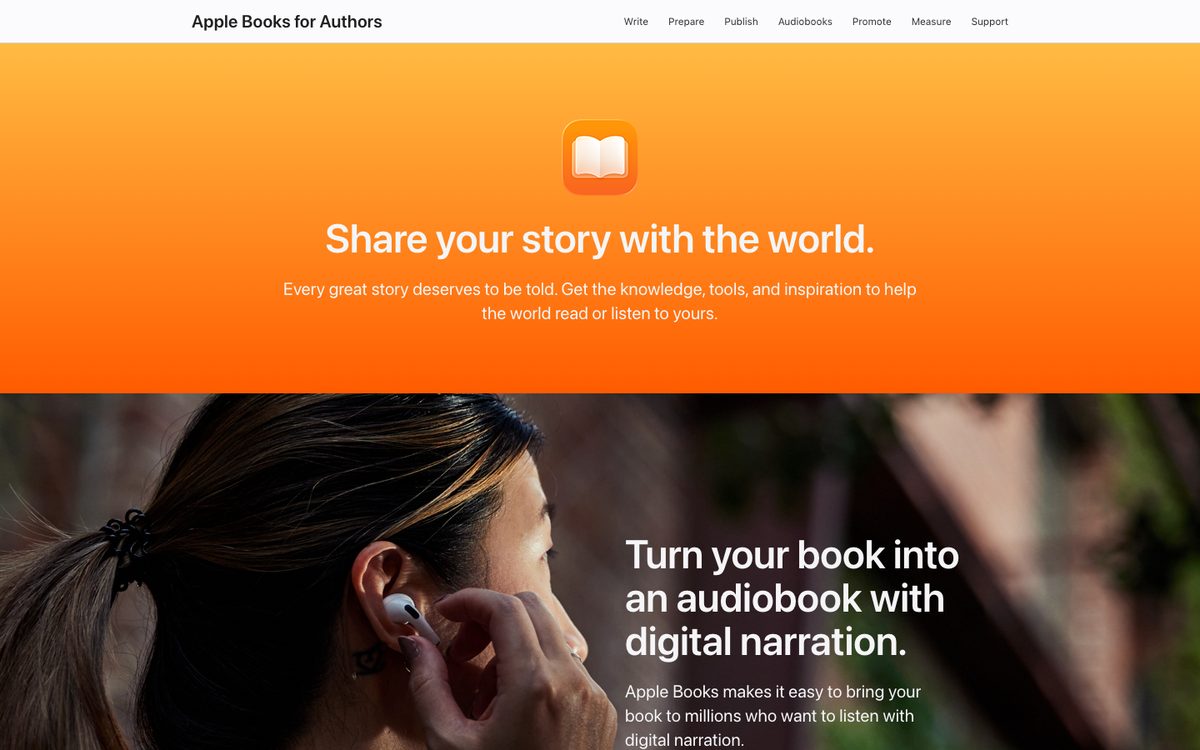
What you need before you start
An Apple Account. Apple requires two-factor authentication, a valid credit card on file, the digital rights to the book, and the legal authority to sign the agreement. If you are a US company or based in the US, you also need a US tax ID. Outside the US you may need a W-8BEN, W-8BEN-E or W-8ECI form instead of a W-9.
An EPUB file. Apple accepts EPUB. It must pass the most recent EPUBCheck, and it needs a table of contents. Apple’s guide says the file should be under 1 GB, and it allows up to 2 GB. EPUB 3 is required for Japanese and Chinese. Most other languages need EPUB 2 or later.
If you wrote your book in Word, convert it first. Apple’s own Word guidance says to convert the document to EPUB and then upload it. Our free Word to EPUB tool does that. Apple Pages can also export an EPUB. According to AppleInsider, Apple ended direct publishing from Pages in April 2025, so you upload the EPUB in the portal.
A cover. PNG or JPEG, in RGB, at least 1,400 pixels on the shortest side. It should be a front cover only and not blurry. Our ebook cover size guide lists sizes for each store.
Book details. Title, author, a description of at least 50 characters, a main and secondary subject, the language, and the publisher name. An ISBN is optional.
An honest AI label, if it applies. Apple’s formatting guidelines say AI-generated material must be labeled, using an “AI Generated by” artist role and a note in the description about how it was created. Read our guide to publishing a book written by AI for how the different stores handle this.
Step-by-step: publish on Apple Books
1. Check your EPUB
Run the file through the free EPUB checker before you upload. Apple rejects files with EPUBCheck errors, and it is faster to fix them first.
2. Create your Apple Books account
Sign in with your Apple Account and choose to publish. Pick Individual (this includes sole proprietors) or Organization (use your legal entity name). Verify your email from the link Apple sends. Then choose the Free Books or Paid Books agreement. You can upgrade from free to paid later.
3. Set up tax and banking
You only need this to sell books, not to publish free ones. Add your tax form and bank details in the account area. Apple says tax ID checks can take a few days, and new IDs can take weeks to appear with the IRS. Plan for this before a launch date.
4. Open the publishing portal and submit a new book
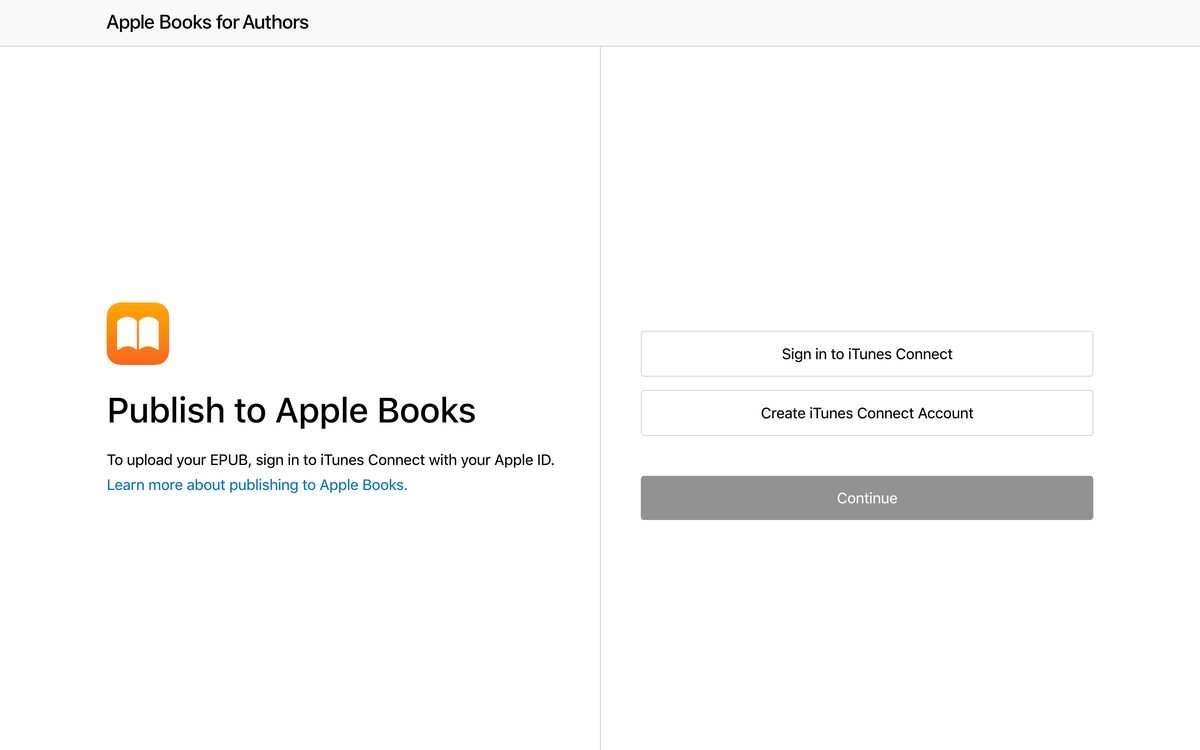
Apple’s browser upload lives at the Apple Books publishing portal. You sign in to iTunes Connect, which is still the name Apple’s help pages use for the account, and choose to submit a new book. Apple’s help pages do not list a Mac requirement for this route. If you get stuck on a step, Apple Support can confirm what applies to your account.
5. Upload the files and add details
Upload your EPUB and cover. Add an optional sample if you like. Then enter the title, author, description, subject categories, language, an explicit content flag and the publisher name. Add an ISBN here if you have one. Apple’s help pages say an ISBN can only be entered on the first submission. When you are done, choose Upload Book to iTunes Connect.
6. Set rights and pricing
Open the book in iTunes Connect, go to Rights and Pricing, add the countries or regions where you want to sell, and set prices. The book is not purchasable until you do this. The price field is a “suggested” price. Apple maps it to the closest price tier in each currency, and you can edit the price for each country. Free books are supported under the Free Books agreement.
7. Wait for processing and review
After you upload, it can take up to 24 hours for the book to appear in iTunes Connect. Apple shows a status such as Waiting for Review and then Reviewed. Apple does not give an official review time. Third-party guides report that approval often takes one to two days, but treat that as a rough guide only.
8. Optional: set up a pre-order
You can set a pre-order up to 365 days before release. The pre-order start date must be at least two days before the release date, and the final file is due before release. Apple recommends getting it in about 10 business days before. Free books cannot be pre-ordered.
Pricing, royalties and payments
Apple’s author site says authors get a 70 percent royalty on all price points. If you publish through an aggregator, they take their own cut, so check their rates.
Apple’s partner help says payments are made no later than 45 days after the first Friday of each month. Banks and currencies have their own minimums, so check Apple’s payments page for yours.
ISBNs on Apple Books
An ISBN is optional on Apple Books. Apple’s metadata page says ISBNs are “optional, but helpful for sales and charting purposes”. Every EPUB still needs an identifier in its package file, which most tools add for you. If you want an ISBN, add it on your first submission. Our guide on whether you need an ISBN for an ebook goes through the options.
Why Apple Books rejects books
Apple lists these common reasons: the metadata does not match the file, the title or description is inaccurate, the table of contents is missing, the quality is poor, or the language is not supported. Third-party reports add technical problems such as duplicate IDs, files missing from the manifest, bad XHTML, oversized images and navigation errors. Most of these show up in an EPUB check, so run it again if Apple sends a ticket.
Update or remove a book
To update a book, use Update a Previously Submitted Book in the portal. Pick the book, choose the new file and cover, confirm the details and upload. An update replaces the old version and restarts review, and you cannot revert it.
To stop selling, open Rights and Pricing, edit the countries and pricing, set Cleared for Sale to No for the countries you want to remove, and confirm. Books cannot be deleted from iTunes Connect.
Should you use an aggregator instead?
Apple points authors to its Apple Books Partner Directory for formats it does not take directly. Aggregators such as Draft2Digital let you upload once and reach several stores, and some accept Word files. The trade-off is a cut of your royalty and less control. If you only want Apple Books, the direct portal is simple. If you want many stores, compare the aggregator’s cut with the time you would save. Our guide to self-publishing an ebook compares every route. Google’s store works differently, and we cover it in how to publish a book on Google Play Books. For Kobo, see our guide to publishing on Kobo.
Quick checklist
| Before you upload | In the portal | After you submit |
|---|---|---|
| EPUB passes the checker | Upload EPUB and cover | Set rights, countries and prices |
| Table of contents present | Add title, description, subjects | Wait for review and check status |
| Cover at least 1,400 px | Add ISBN on first submission if you have one | Plan pre-order dates if needed |
| Tax and banking done | Label AI-generated content | Fix any ticket and upload again |
FAQ
Is it free to publish on Apple Books?
Yes. Apple does not charge to publish. You pay for anything you choose to buy yourself, such as editing or a cover, and an aggregator takes a share if you use one.
Do I need a Mac to publish on Apple Books?
Apple’s browser upload flow does not list a Mac requirement. Some third-party guides say a Mac is needed for account setup. If you hit a problem, ask Apple Support what applies to your account.
Do I need an ISBN?
No. ISBNs are optional on Apple Books. If you have one, enter it on your first submission, because Apple’s help says an ISBN can only be entered on the first submission.
How much do I earn on Apple Books?
Apple’s author site lists a 70 percent royalty on all price points. Aggregators may take a share of that.
How long does Apple Books approval take?
Apple does not publish an official time. The book can take up to 24 hours to show up in iTunes Connect after upload. Third-party guides report that review often finishes in a day or two.
Can I publish a Word document?
Not directly. Convert it to EPUB first, then upload the EPUB. Our free Word to EPUB tool can do the conversion.
Can I publish a book written with AI on Apple Books?
Apple’s guidelines say AI-generated material must be labeled with an “AI Generated by” artist role and a description note. Check the current guidelines before you submit.
Where Koobe fits
If you do not have the EPUB yet, Koobe can build it. Describe your book in a sentence, edit the outline, and Koobe writes the chapters, designs four covers and exports an EPUB 3, a PDF and a cover image. Run the EPUB through the checker, then upload it. Your first book is free to create and preview.
Describe your book in a sentence. Koobe plans the chapters, writes them, designs the cover and exports a PDF and EPUB. Your first book is free.

“Files were ready for KDP, which is what I actually needed. First book I’ve finished.”