How to Sell Ebooks on Etsy
How to sell ebooks on Etsy as digital downloads: set up a shop, make a listing, understand fees and the AI disclosure rule, and avoid common mistakes.
 By Philip Ghezelbash
To sell an ebook on Etsy, you open a shop, create a digital download listing, upload your PDF (and optionally an EPUB), add clear images and a description, set a price and publish. Etsy delivers the files to the buyer automatically after payment. You pay a listing fee, a transaction fee and a payment processing fee on each sale, and you must disclose AI use in the listing if AI created the item.
This guide covers each step, the fees with a worked example, and the rules to know. For other places to sell, see our hub on where to sell ebooks.
Is Etsy a good place for ebooks?
Etsy suits some ebooks better than others.
| Good fit | Weaker fit |
|---|---|
| Workbooks, planners and worksheets | Long fiction novels |
| Templates, checklists and printable guides | Books that readers want on a Kindle |
| Practical how-to guides sold as PDFs | Topics with no search interest on Etsy |
| Bundles, such as a guide plus templates | Books that need store-style discovery |
Etsy buyers who look for digital downloads usually want practical items they can print or use right away. A story-driven book or a reflowable ebook for e-readers usually does better on Kindle, Apple Books or Kobo, where readers browse for books. Many authors do both: an EPUB on the stores and a PDF workbook version on Etsy. If you do this with a Kindle ebook, keep the KDP Select exclusivity rule in mind. A different product, such as a separate workbook, is fine, but the same ebook can't be sold digitally elsewhere while enrolled.
Step 1: Prepare your files
Etsy digital listings allow up to five files of up to 20 MB each, so plan your files.
- A PDF is the usual choice. It looks the same everywhere and is easy to print. See PDF vs EPUB.
- An EPUB is optional. Buyers may need an app to open it, so explain that in the listing.
- Compress image-heavy PDFs to stay under the file size limit.
- Add a "how to use this file" page with your contact details, so buyers know where to get help.
- Test the files on a phone and a computer, and print one page if the file is meant to be printed.
Koobe exports a digital PDF with the cover and an EPUB 3 from the same book, so you can offer both without redoing the work.
Step 2: Set up your Etsy shop
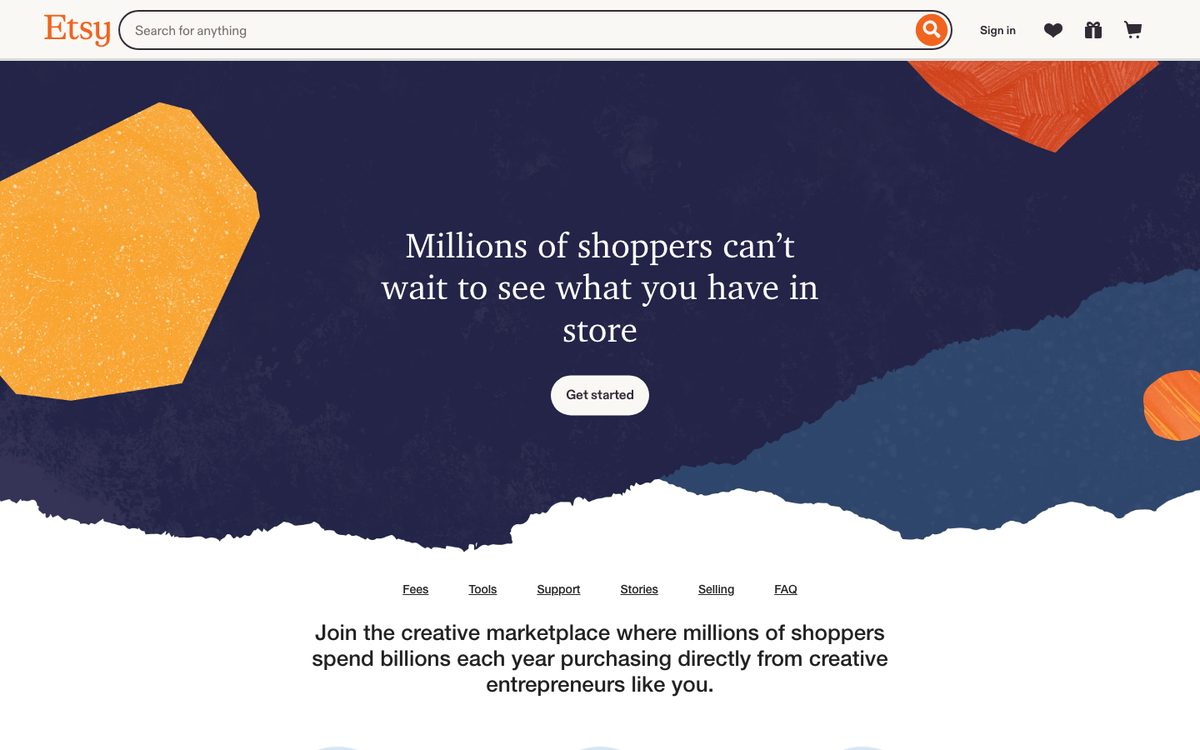
- Create an Etsy account and open a shop.
- Choose your shop name, country and currency.
- Set up how you get paid. Etsy Payments handles this in most countries.
- Add billing information for fees.
- Fill in your shop policies, About section and a clear shop banner.
Take time on the shop name and About page. Buyers look at them to judge whether a seller is trustworthy.
Step 3: Create the listing
Choose to add a listing and set the type to digital. Then fill in:
- Photos. Up to 20 photos, plus a short video. Use your own images (see below).
- Title. Plain and specific, with the words a buyer would search. "Freelance Rate Increase Workbook, Printable PDF Guide" beats "My Ebook."
- Description. What it is, who it's for, what's inside, the file type and page count, how buyers get it and how to use it.
- Category and attributes. Choose digital download categories, and fill in every attribute that applies.
- Tags. Use all the tags you can, with phrases buyers would type.
- Price. See the section below.
- Digital files. Upload your files.
- Who made it. Set this correctly. If AI helped create the item, see the AI section below.
Step 4: Make images that sell
Photos do most of the selling on Etsy. Etsy's seller policy asks you to use your own photos or media, not stock photos or images copied from other sellers.
Show:
- The cover or first page, large and clear
- A few inside pages, so buyers see what they get
- A mockup of the file on a screen or printed, using your own mockups
- Text on the image that says what it is, the file type and the page count
Make the first image work at small size, because it's what appears in search results. Be honest about what's included. A mockup that suggests a printed book when the product is a PDF can lead to complaints and refunds.
Step 5: Set a price
Look at similar listings in your category, and price against the value of what you've made. A workbook that solves a real problem can charge more than a short checklist. Remember fees take a larger share of low prices because of the fixed amounts.
For help with pricing, see how to make money selling ebooks.
Etsy fees
For a US seller, as of October 2026, these are the standard fees.
| Fee | Amount |
|---|---|
| Shop set-up fee | A one-time fee (about $15 in the US) may apply when you open the shop |
| Listing fee | $0.20 per listing, which renews every four months or when an item sells |
| Transaction fee | 6.5% of the sale price |
| Payment processing | 3% plus $0.25 of the order total (varies by country) |
| Offsite Ads | An extra percentage if a sale comes from an Etsy-placed ad, where it applies |
Worked example on a $19 PDF with no Offsite Ads:
| Item | Amount |
|---|---|
| Listing fee | $0.20 |
| Transaction fee (6.5% of $19) | $1.24 |
| Payment processing (3% of $19 plus $0.25) | $0.82 |
| Total fees | about $2.26 |
| You keep | about $16.74 |
Digital files cost nothing to make or ship per sale, so your margin is high, but the fixed fees matter more on cheap items. Always check Etsy's current fee page, since rates change.
The AI rule
Etsy requires sellers to disclose when an item is created with the use of AI, in the listing description. Etsy's Creativity Standards allow seller-prompted AI creations under the "Designed by a seller" category, based on your own prompts and inputs. A few points:
- Disclose clearly in the description. A plain sentence works: "This workbook was drafted with AI tools and edited, fact-checked and finished by the author."
- Use the right attribution. Under "Who made it?", choose "I did". Items you created with AI from your own prompts count as "Designed by a seller" under Etsy's Creativity Standards. Don't choose "Another company or person".
- No prompt bundles. Etsy prohibits selling AI prompt bundles.
- Don't resell others' work. Items must be your own design, not templates or text from someone else.
Policies change and are enforced in different ways, so read Etsy's Creativity Standards and Seller Policy before you publish. For the Amazon side, see Can I publish a book written by AI on Amazon?.
Delivery, support and refunds
- Delivery: Buyers get a download link after payment, and can find the files in their Etsy account.
- Messages: Reply quickly and politely. Response time affects how buyers see your shop.
- Refunds: Digital items can't be returned, so many shops state a clear policy. Check Etsy's rules for digital goods and follow your local consumer law.
- Updates: If you fix a typo, upload the corrected file to the listing for future buyers, and send past buyers the new file in an Etsy message.
- Taxes: Etsy collects and pays marketplace sales tax in many places, but you remain responsible for your own income tax. Check the rules where you live.
How to get your first sales
- Match search terms. Use the exact words buyers would type in your title and tags.
- Make the first image clear. It's your ad in search results.
- Add more listings. A set of related products, such as a guide, a workbook and a template pack, helps buyers find you.
- Offer a bundle. A bundle at a better price encourages higher spend.
- Bring your own audience. Share the listing with your email list and followers, which can give early sales and reviews.
- Ask for reviews. Include a friendly note in your delivery message.
- Review your stats. Look at which listings get views but few sales, and improve the images, title or price.
Common mistakes
- No AI disclosure when AI created the item
- Stock photos or copied images instead of your own
- Vague titles that don't match what buyers search
- Low-quality files, with typos or broken pages
- Underpricing and ignoring fixed fees
- Selling a Kindle ebook that's enrolled in KDP Select in digital form
- Overpromising results in the description, especially for health, money or legal topics
- Copying someone else's product or text
Where Koobe fits
Koobe makes the files you need for Etsy: a digital PDF with the cover, an optional EPUB, and a cover image you can use as the base of your listing photos. Describe your book or upload your notes, edit the outline, review every chapter, and export. Then follow the steps above to list it. Koobe doesn't publish to Etsy for you, so you control your listing and your AI disclosure.
Describe your book in a sentence. Koobe plans the chapters, writes them, designs the cover and exports a PDF and EPUB. Your first book is free.

“Files were ready for KDP, which is what I actually needed. First book I’ve finished.”
The short answer, again
- Etsy suits workbooks, planners, templates and practical PDF guides.
- Upload up to five files of up to 20 MB each, with a PDF as the main one.
- Fees for US sellers: $0.20 listing, 6.5% transaction and 3% plus $0.25 processing.
- Disclose AI use in the listing, and use your own images.
- Compare Etsy with other platforms in where to sell ebooks.