How to Sell Ebooks on Shopify
How to sell ebooks on Shopify: pick a plan, add the free Digital Products app, upload your file, set taxes and test checkout. Checked October 2026.
 By Philip Ghezelbash
You sell an ebook on Shopify by adding it as a digital product, turning off shipping, and attaching your file with Shopify’s free Digital Products app. After a customer pays, Shopify emails them a download link. You need a paid plan, which starts at $29 a month when billed yearly ($39 month to month) on the Basic plan, and with Shopify Payments, US card fees start at 2.9 percent plus 30 cents per online sale. Shopify says there are no additional fees for selling digital products.
This guide walks through each step, what it costs, how taxes and file protection work, and when Shopify is not the right place to sell. We checked Shopify’s pricing and help pages in October 2026. Where a page was unclear, we say so.
Is Shopify a good place to sell ebooks?
Shopify gives you your own store. You keep the customer’s email address, set your own price and branding, and do not pay a marketplace commission. Shopify’s own blog says some marketplaces take up to 50 percent of each sale, which is Shopify’s claim, and it is a reason people choose their own store.
The trade-off is that you pay a monthly fee and bring your own traffic. Nobody browses Shopify and finds your ebook the way they might on Amazon or Etsy.
Here is the math. On the Basic plan billed yearly, you pay $29 a month. A $15 ebook sold with Shopify Payments costs about $0.74 in card fees at the standard US rate (2.9 percent of $15 is $0.44, plus $0.30), so you keep about $14.26. You need a little over two sales a month to cover the $29 plan, or about three on the $39 monthly price, before any apps, a domain or a theme. If you expect to sell a few copies, a marketplace or a pay-per-sale tool may cost less. See our guide to where to sell ebooks, and our guides on selling on Gumroad and selling on Etsy.
What you need before you start
- A finished ebook file, usually a PDF or EPUB. Shopify’s digital products page says you can sell any file format and lists ebooks, and the app accepts files up to 5 GB each. It does not name EPUB, so test it as part of your test order. See PDF vs EPUB for which to choose.
- A cover image, and a few mockups if you want them.
- A product description and a price.
- A way to get paid: Shopify Payments if it is available in your country, or a third-party provider.
- Store policies such as refunds, privacy and terms, which you add in your store settings.
Plans, fees and costs
| Item | Cost |
|---|---|
| Basic plan | $29 a month billed yearly, or $39 a month billed monthly |
| Grow plan | $79 a month billed yearly, or $105 monthly |
| Advanced plan | $299 a month billed yearly, or $399 monthly |
| Card fees with Shopify Payments (US, online) | From 2.9% + 30 cents on Basic, 2.7% + 30 cents on Grow, 2.5% + 30 cents on Advanced (premium and international cards cost more) |
| Third-party payment gateway fee | Basic 2%, Grow 1%, Advanced 0.6% (Shopify says it may apply) |
| Shopify Digital Products app | Free |
| Extra fee for digital products | None, according to Shopify’s help |
| File protection apps (optional) | Free plans exist, paid plans from $9 a month, PDF stamping from $19 a month |
Shopify’s digital products page says the Digital Products app is free with every Shopify plan. The pricing page advertises a free 3-day trial with no credit card, then $1 a month for 3 months on most plans. Check the offer on Shopify’s site. Prices are in US dollars and can vary by country, and the Starter plan is not available to new stores.
Step by step: sell an ebook on Shopify
1. Create your store and pick a plan
Sign up, then choose a plan. Basic is enough to sell digital products, so you do not need to pay for more on day one. Add your store name, a theme and your policy pages.
2. Set up payments
Shopify Payments lets customers pay by card and other methods and is available in about 40 countries, including the US, Canada, the UK, Australia, New Zealand, Germany, France, Japan and Singapore. If you live somewhere else, you need a third-party provider, and Shopify adds an extra fee for that.
In the US, Shopify Payments has a minimum settlement time of 3 business days, and payouts usually reach your bank in 3 to 5 business days. You can choose daily, weekly or monthly payouts. New merchants may wait longer at first, and the time varies by country.
3. Add the Digital Products app
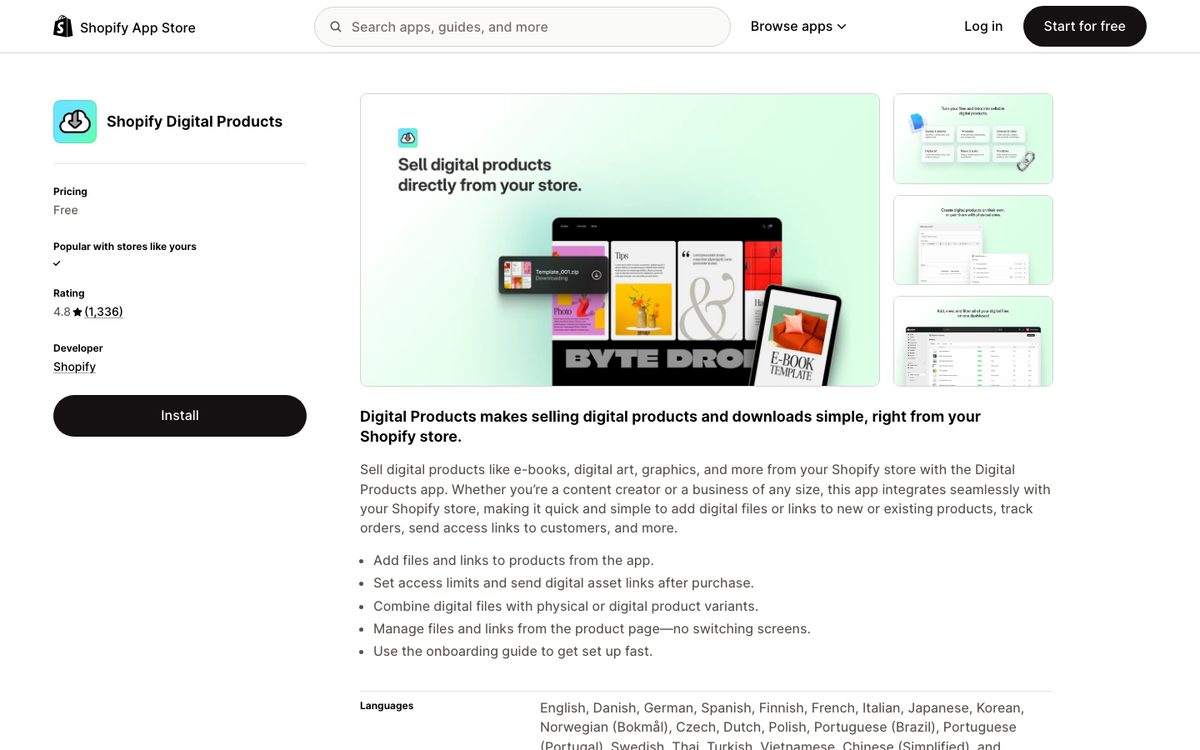
Install Shopify’s free Digital Products app from the Shopify App Store. Its listing is titled “Shopify Digital Products”, and the page address still says “digital-downloads”, so you may see it called Digital Downloads in older guides. In the app’s settings, turn on downloads at checkout and add the download block to your Thank you page, so customers see their files right after they pay.
4. Create the ebook product
In your Shopify admin, go to Products and add a product. Enter the title, description, price and images. In the Shipping section, turn off “Physical product.” Shopify’s help says that if you sell a digital download or service, you need to remove shipping for that product.
5. Attach your file
Open the app and choose Add assets, then File (or Link). Upload your ebook and attach it to the product. A few limits from Shopify’s pages:
- Each file can be up to 5 GB.
- You cannot upload folders, so use a .zip file for several files.
- Shopify’s marketing page says you can bundle up to 50 files in one product, and no other page repeats that number.
- You can attach a link instead of a file, but only from services Shopify supports, such as Google Drive, Dropbox, Notion or Canva.
Choose automatic fulfillment so customers get an email with the download link after payment. You can set a maximum number of downloads, and the default is unlimited.
6. Set your tax settings
Tax is your responsibility. Shopify says it does not remit or file taxes for you unless you use Shopify Tax and set up automated filing. For ebooks in particular:
- Customers in the EU pay VAT on digital goods at the rate in their own country, wherever you are based. Shopify says to make sure your tax settings are correct to sell digital products there.
- US sales tax rules for digital goods vary by state.
We did not verify the detailed rules, so check with a tax professional before you start selling.
7. Place a test order
Shopify recommends testing a digital product before you launch. Place an order yourself, confirm the email arrives, the download link works and the file opens on a phone and a computer.
8. Launch and promote
Remove the store password, connect your domain and share the link. Most stores sell nothing until someone sends traffic, so plan how readers will find the page. Our guides on how to promote an ebook, landing page examples and lead magnet ebooks are good places to start.
Protect your file
Shopify’s help does not give an expiry date for download links. Share links that you copy from the app are not tied to a customer or order and do not expire, but they count toward your download limit. In practice, a buyer could pass their link to someone else. You can set a download limit, and you can turn off a buyer’s link on the app’s Orders page.
Some third-party apps add more protection, including PDF stamping (adding the buyer’s details to the file), expiry dates and IP limits:
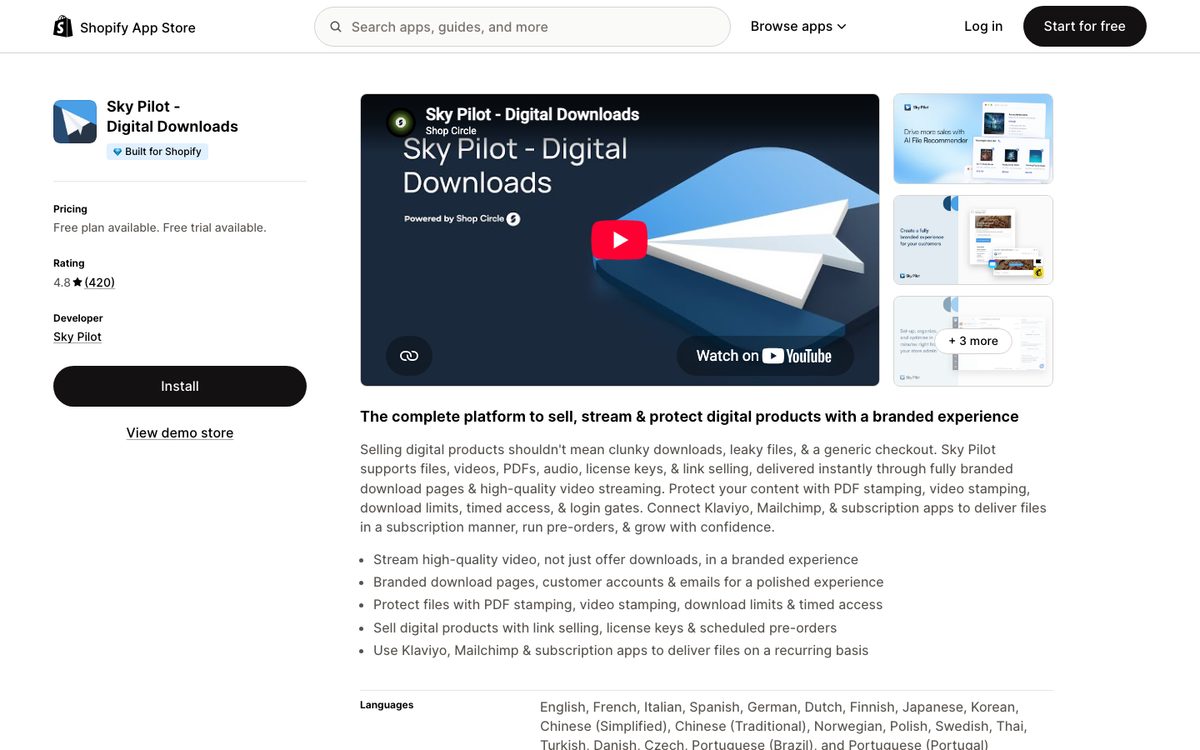
- Sky Pilot has a free plan with 100 MB of storage, and paid plans from $9 a month. Its listing shows PDF stamping on the Growth plan at $54.99 a month.
- Fileflare has a free plan with 1 GB, and paid plans from $19 a month on its app listing, which include PDF watermarking and download limits. Expiry dates start on the $29 plan. Its website also lists a $9 plan with 5 GB of storage, so check both.
Prices come from the app listings as of October 5, 2026. No protection stops determined sharing, so treat it as a deterrent, not a guarantee.
EPUB, PDF and Kindle
PDFs open on any device, and EPUB files need a reading app. Shopify does not deliver to Kindle. A customer who wants the book on a Kindle can send the file themselves with Send to Kindle. Many sellers offer both formats in one product.
If you also sell on Amazon
Selling on your own store and enrolling the same ebook in KDP Select do not mix. KDP Select requires exclusive digital rights for 90 days, which includes your own website. See our guide on selling ebooks on Amazon before you decide.
Rules about what you can sell
Shopify’s Acceptable Use Policy and Payments terms do not mention ebooks or AI-generated content by name that we could find. You are responsible for copyright and accuracy, and Shopify’s rules on illegal activity, fraud and payment-processor restrictions still apply. Some marketplaces, such as Etsy and Amazon KDP, require you to say when AI was used, so check each place you sell.
FAQ
Can you sell ebooks on Shopify?
Yes. Add the ebook as a digital product, turn off shipping, and attach the file with the Digital Products app.
Does Shopify charge extra for digital products?
No. Shopify’s help says there are no additional fees for selling digital products. You still pay your plan price and payment processing fees.
Do I need an app to sell ebooks on Shopify?
Shopify’s help describes its free Digital Products app as the standard route. Third-party apps add extras such as PDF stamping.
What file types can I sell?
Shopify says you can sell any file format, from PDFs to ZIP files, and gives ebooks as an example. A PDF is the safe choice. EPUB is not named, so test it first. Each file can be up to 5 GB.
Do customers need an account to download?
Shopify’s pages do not say they do, and the app lists compatibility with customer accounts. Do not assume either way, and check with a test order.
How much does it cost to sell ebooks on Shopify?
At least $29 a month on the Basic plan billed yearly, plus card fees from 2.9 percent and 30 cents per US online sale. The Digital Products app is free.
Do I need to charge VAT or sales tax?
Probably, depending on where your customers live. Shopify says EU customers pay VAT on digital goods at their country’s rate, and that tax is your responsibility. Check with a tax professional.
How fast do I get paid?
With Shopify Payments in the US, payouts usually reach your bank in 3 to 5 business days. New merchants wait longer at first, and the timing varies by country.
Shopify, Gumroad or Etsy for ebooks?
Shopify gives you the most control and costs a monthly fee. Gumroad has no monthly fee and takes a share of each sale. Etsy brings its own shoppers but adds listing fees and rules. The right choice depends on how much traffic you can bring yourself.
Where Koobe fits
Koobe makes the ebook you would sell. Describe your book in a sentence, edit the outline, and Koobe writes the chapters, designs four covers and exports a PDF, an EPUB, a print interior PDF and a cover image, ready to upload to Shopify. Your first book is free to create and preview, and plans start at $23 a month billed yearly.
Describe your book in a sentence. Koobe plans the chapters, writes them, designs the cover and exports a PDF and EPUB. Your first book is free.

“Files were ready for KDP, which is what I actually needed. First book I’ve finished.”