10 Best Ebook Formatting Software in 2026 (Free and Paid)
Compare the 10 best ebook formatting software tools in 2026. See prices, EPUB and PDF export, and which is best for you, free or paid.
 By Philip Ghezelbash
The best ebook formatting software depends on your computer, your budget and where you plan to sell. Formatting software turns your manuscript into a clean EPUB or PDF that reads well on a Kindle, a phone and a tablet, and it is one step in self-publishing an ebook. The ten tools below cover most situations, and we grouped them by who they suit instead of ranking them from best to worst. Quick picks:
- Free and online: Reedsy Studio
- Free, and you sell only on Amazon: Kindle Create
- A polished look on a Mac: Vellum
- Writing and formatting in one app, paid once: Atticus
- Selling in many stores: Draft2Digital
- You still need to write the manuscript: Koobe, which is our own tool
How we chose these tools
We looked for software that turns a finished manuscript into a clean ebook file. For each tool we read its own website for the price, the platforms and the file types it exports, then compared them on five things:
- Output: does it export a valid EPUB, and can it also make a PDF or a print file?
- Price: free, one-time or subscription, and what the free option leaves out.
- Platform: Mac, Windows, the web, or more than one.
- Effort: how much setup it takes before the book looks right.
- Fit: who it suits, such as authors who sell only on Amazon or authors who sell everywhere.
We did not test every tool by hand. The details come from each vendor's own pages, checked on 11 October 2026, and prices change, so check the live page before you buy. One of the ten, Koobe, is our own tool, and we say so where it appears.
The ten tools at a glance
The tools below are grouped by who they suit, not ranked.
| Tool | Best for | Price | Platform | Exports |
|---|---|---|---|---|
| Atticus | Writing and formatting in one app | $147, paid once | Windows, Mac, Linux, Chromebook, browser | EPUB, PDF, DOCX |
| Vellum | A polished look on a Mac | $199.99 for ebooks, $249.99 with print, paid once | Mac only | EPUB and other ebook files, print PDFs |
| Reedsy Studio | Free web formatting | Free | Online | EPUB 3, print-ready PDF |
| Kindle Create | Amazon-only publishing | Free | Windows, Mac | KPF, EPUB (reflowable books only) |
| Draft2Digital | Selling in many stores | Tools free, about 10% of each ebook sale if you distribute | Online | Downloadable EPUB |
| Scrivener | Writing first, then exporting | $59.99, 30-day trial | Mac, Windows, iOS | EPUB, PDF, Word, RTF |
| Koobe (ours) | Not having a manuscript yet | First book free to create and preview, paid plans from $23 a month billed yearly | Online | EPUB, PDF, print PDF |
| Pressbooks | Building a book online with co-authors | 7-day trial per book, then from $12 a month | Online | EPUB, PDF |
| Calibre | Converting and fixing files | Free | Windows, Mac, Linux | Converts dozens of file types |
| Sigil | Hands-on EPUB editing | Free | Windows, Mac, Linux | EPUB 2 and 3 |
Atticus: best for writing and formatting in one app
Atticus is a writing and formatting app in one. You can write in it or import a Word file, pick a theme, and export an EPUB and a PDF from the same project. It runs on Windows, Mac, Linux and Chromebook, and in a browser, so it works on almost any computer.
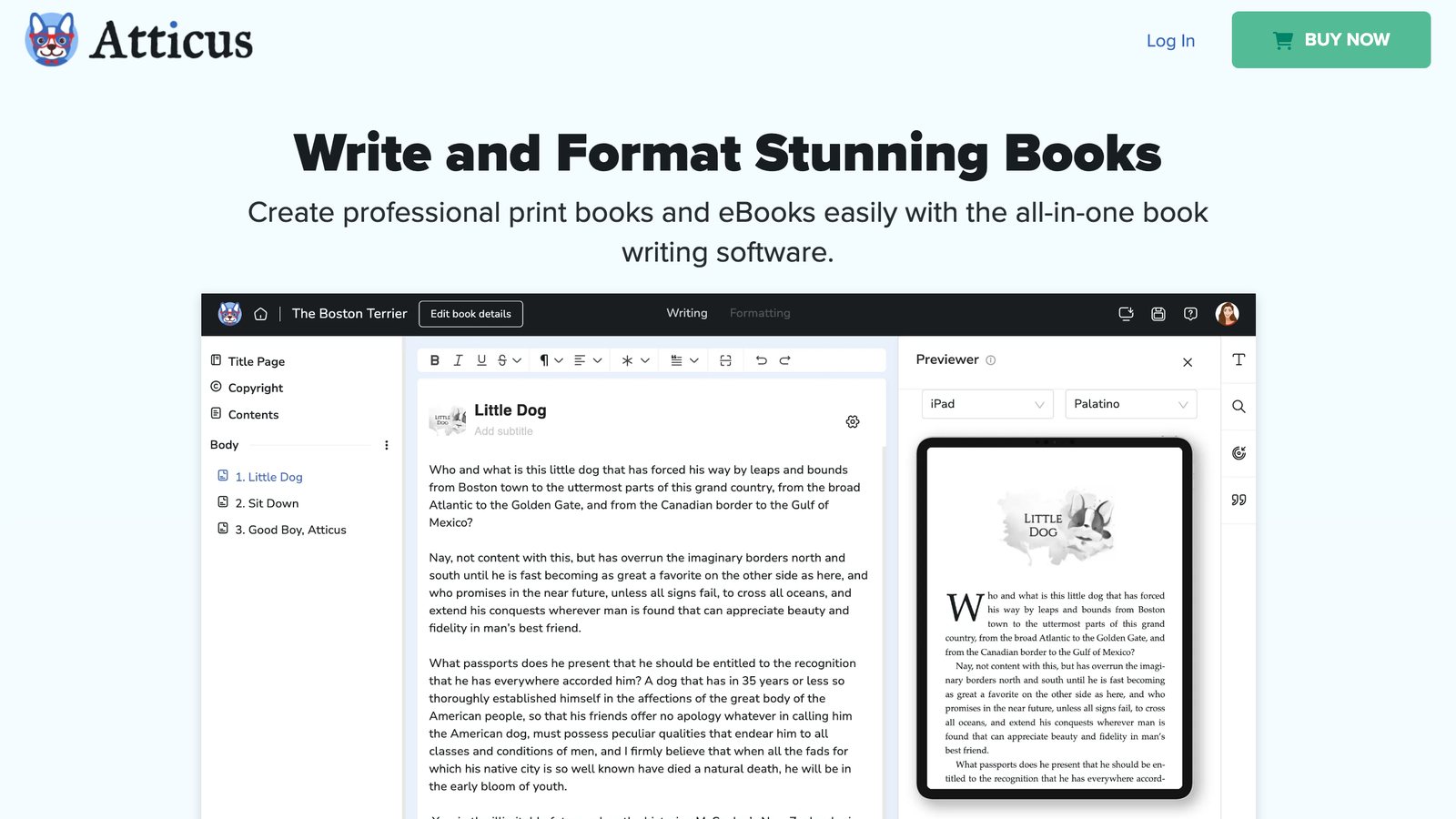
- Price: $147, paid once. The site says there are no monthly fees and offers a 30-day money-back guarantee. It does not mention a free trial.
- Exports: EPUB, PDF and DOCX.
- Imports: Word (DOCX) files.
It comes with 17 built-in templates and a theme builder if the built-in looks are not enough. Version control is listed as "coming soon."
Vellum: best for a polished look on a Mac
Vellum is software for building ebooks and print books, and its pitch is simple: "Create beautiful books." It only runs on a Mac (macOS 13 or newer). Downloading it is free, and you can build, style and preview your book before you pay.
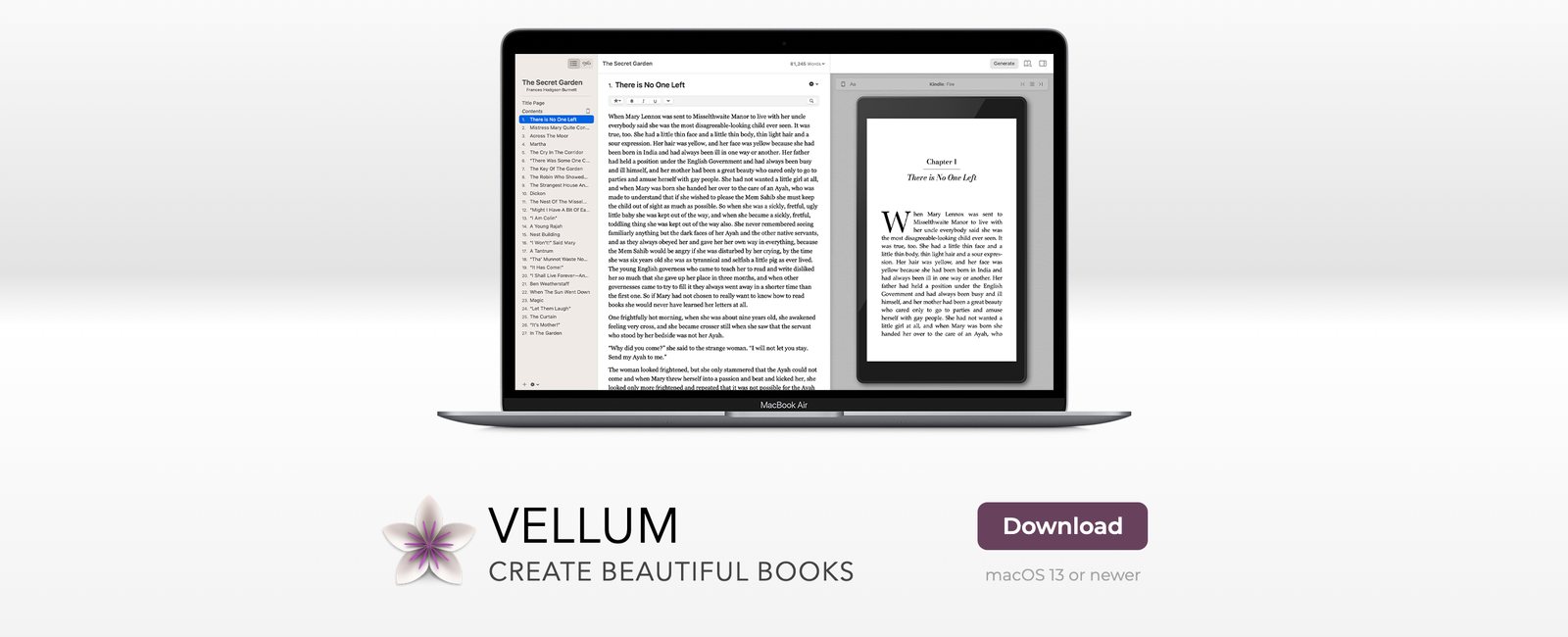
- Price: $199.99 for Vellum Ebooks (unlimited ebooks) or $249.99 for Vellum Press (unlimited ebooks and paperbacks), before tax. Vellum's FAQ says it is a one-time purchase.
- Ebook exports: files for Kindle, Kobo, Apple Books and more, including validated EPUB files.
- Print exports: paperback or hardcover files in 24 trim sizes, plus large print.
If you use Windows, look at Atticus or Reedsy Studio instead.
Reedsy Studio: best free web formatter
Reedsy Studio is an online app for writing and formatting a book. Reedsy says every function you need to write and format a book is free, "and always will be." You sign in with a free Reedsy account, so there is nothing to install.
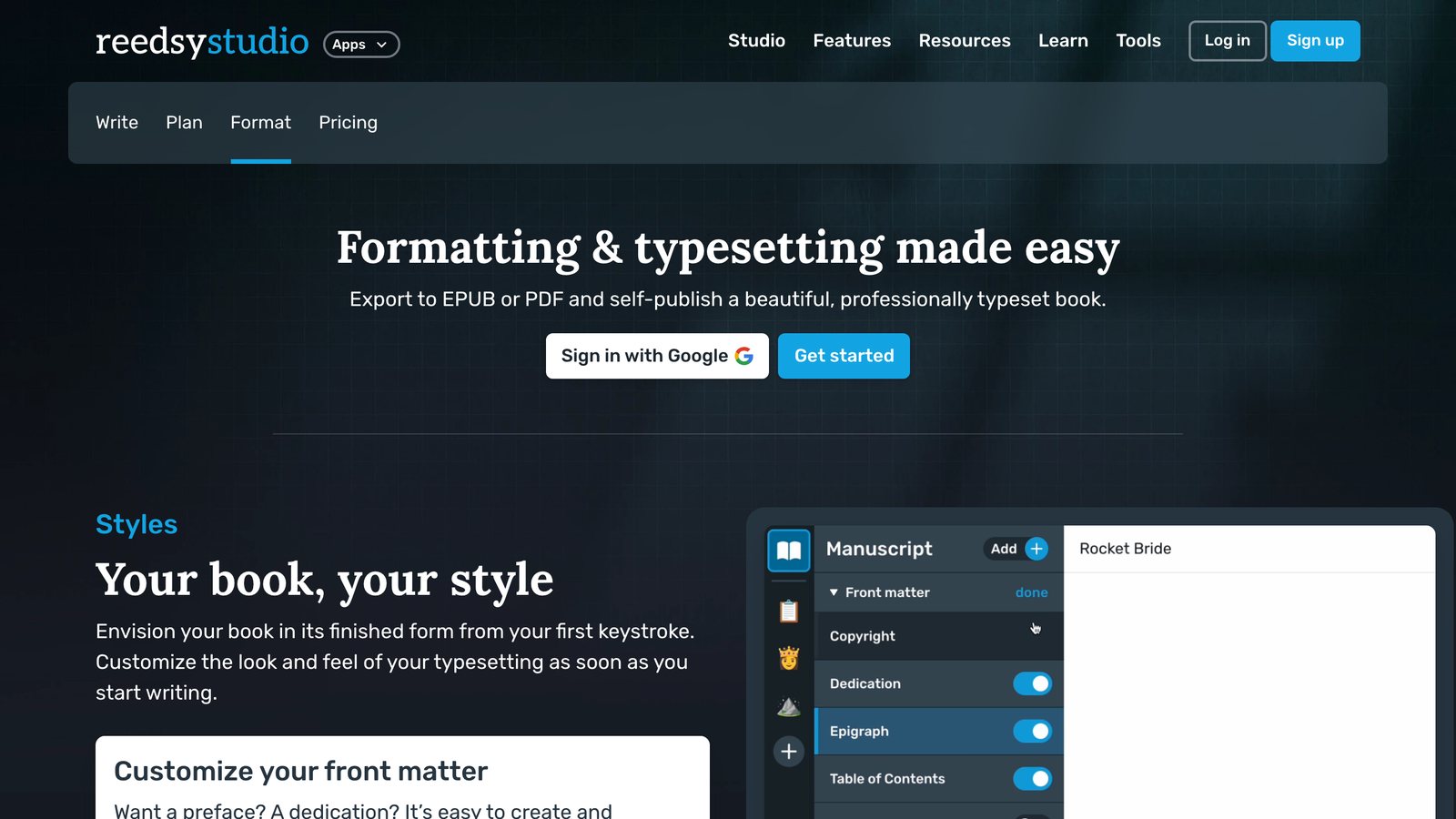
- Price: free for writing and formatting. Reedsy also sells paid plans for writing goals and book outlining, but you do not need them to format and export.
- Exports: EPUB 3 for ebook stores, and a print-ready PDF (PDF/X-1a) for print on demand.
- Print sizes: Trade (6 x 9 inches), Digest (5.5 x 8.5), Reedsy standard (5 x 8) and Pocket (4.25 x 6.87).
You choose from three export themes: Reedsy, which suits nonfiction, plus Classic and Romance. Export settings sit on the export page, and the font settings in the editor do not change the exported file.
Kindle Create: best free option if you only sell on Amazon
Kindle Create is Amazon's own formatting tool, and Amazon calls it "a free interior formatting tool." You open your manuscript, style the book, preview it, and save a file to upload to KDP. Amazon says you can prepare an ebook and a paperback from the same manuscript file.

- Price: free.
- Platforms: Windows 10 or later, and Mac (Intel on macOS 10.15 or later, Apple M1 on macOS 11 or later).
- Imports: DOC and DOCX files for standard reflowable books, PDF for print replica books, and PDF or JPEG files for comics.
- Exports: a KPF file, which is the file you upload to KDP. An EPUB export is available only for reflowable books.
The catch is that the KPF file is only for publishing on Amazon, so this tool fits you if Amazon is your only store. The EPUB export leaves out some features, such as image bleeds and tall drop caps. Amazon also does not keep copies of your Kindle Create files, so back up your project folder.
Draft2Digital: best if you sell in many stores
Draft2Digital turns a Word file into an ebook or print book, then distributes it to online stores and library services. Its FAQ says you can use its conversion and layout tools free of charge, even without ebook distribution, and that you can download the files it converts at no charge.
- Price of the formatting tools: free, per the FAQ.
- If you distribute through it: Draft2Digital earns about 10% of the retail price of each ebook sold. The FAQ also lists a one-time $20 activation fee for new accounts, and a $12 yearly fee for accounts that earn under $100 a year in sales. Accounts with no titles in distribution do not pay the yearly fee.
- Exports: you can download the EPUB it creates.
Stores are opt-in, so you choose where your book goes and can opt out again. It is a good fit if you want formatting and wide distribution from one account. Our guide to where to sell ebooks compares the stores it reaches.
Scrivener: best if you already write in it
Scrivener is writing software for long projects such as novels, nonfiction and academic work. If your manuscript already lives in Scrivener, you can create an EPUB or a PDF from it without moving the text into another app.

- Price: $59.99 for Mac or for Windows, with a free trial of 30 days of actual use. The iOS version is sold separately for $23.99.
- Platforms: macOS 11 or newer, 64-bit Windows 10 or newer, and iOS.
- Exports: EPUB, PDF, Microsoft Word, RTF and plain text.
Scrivener is built for writing first. If all you need is a formatter for a finished manuscript, one of the dedicated tools above may be simpler.
Koobe: best if you have not written the manuscript yet
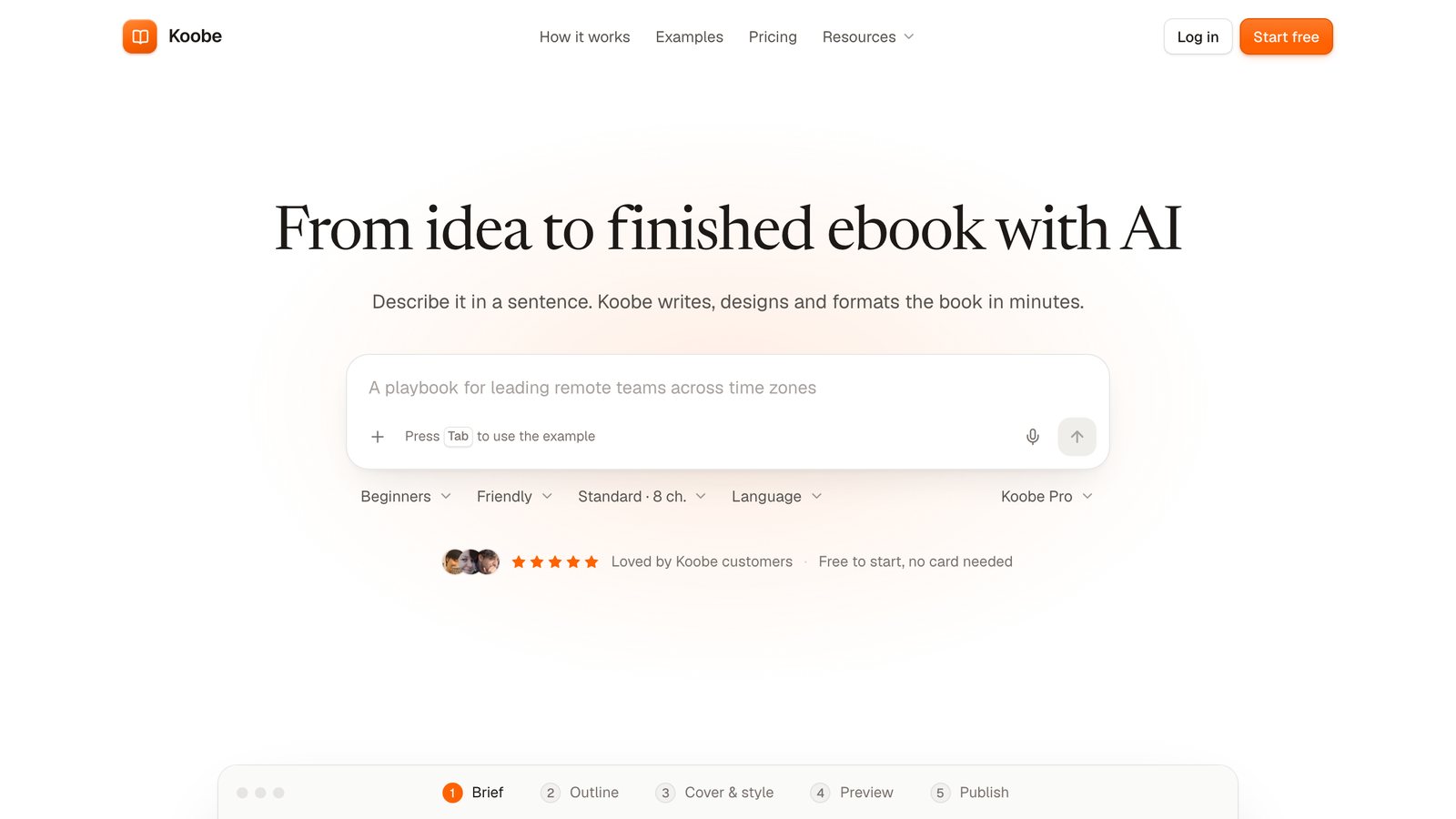
Koobe is our own tool, so read this entry with that in mind. Koobe writes and formats a book in one place. You describe your book, or upload notes, an outline or a draft, and it builds the outline and chapters, lets you edit them, designs covers and exports the files.
- Price: your first book is free to create and preview, with every feature and a free sample of chapter 1 to download. Downloading the full book needs a paid plan. Starter is $29 a month, or $23 a month billed yearly, and covers 8 books a month. Higher plans add more books and team seats. See pricing.
- Exports: EPUB, digital PDF, print interior PDF, a cover JPEG and a full KDP paperback cover (back, spine and front).
- Layout: nine layouts and five trim sizes.
Koobe does not upload your book to stores for you, so you send the files to KDP or any other store yourself. If you want full control over every design detail, Vellum or Atticus gives you more to adjust. And if you already have a finished Word file and only need an EPUB, our free Word to EPUB converter does that job.
Describe your book in a sentence. Koobe plans the chapters, writes them, designs the cover and exports a PDF and EPUB. Your first book is free to create and preview.

“Files were ready for KDP, which is what I actually needed. First book I’ve finished.”
Pressbooks: best for building a book online with co-authors
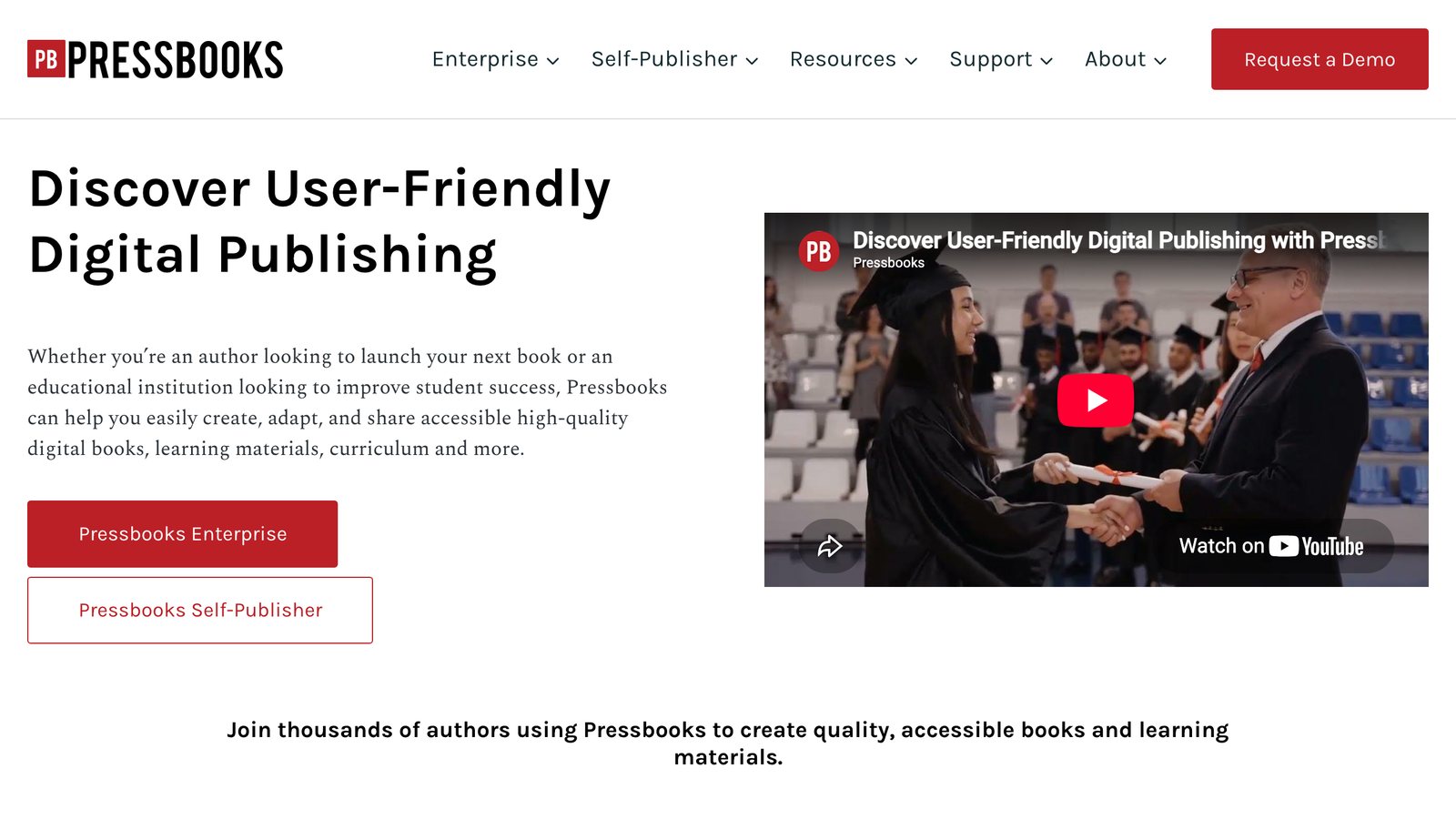
Pressbooks is online publishing software for authors and for education. Its site describes it as a way to "create, adapt, and share accessible high-quality digital books." You build the book on the Pressbooks platform, invite collaborators if you need them, and export the files from there.
- Price: each new book gets a free 7-day trial, then a subscription. Single Author is $12 a month or $120 a year, and Collaboration is $40 a month or $400 a year.
- Watermarks: exports during the trial carry watermarks. Both paid plans remove them.
- Exports: EPUB, plus PDFs for digital reading and for print.
- Storage: 250 MB on Single Author and 1 GB on Collaboration, for images and other files.
The subscription is a cost that keeps running, so it suits a team working on a book together more than a solo author formatting one finished manuscript.
Calibre: best for converting and fixing existing ebook files
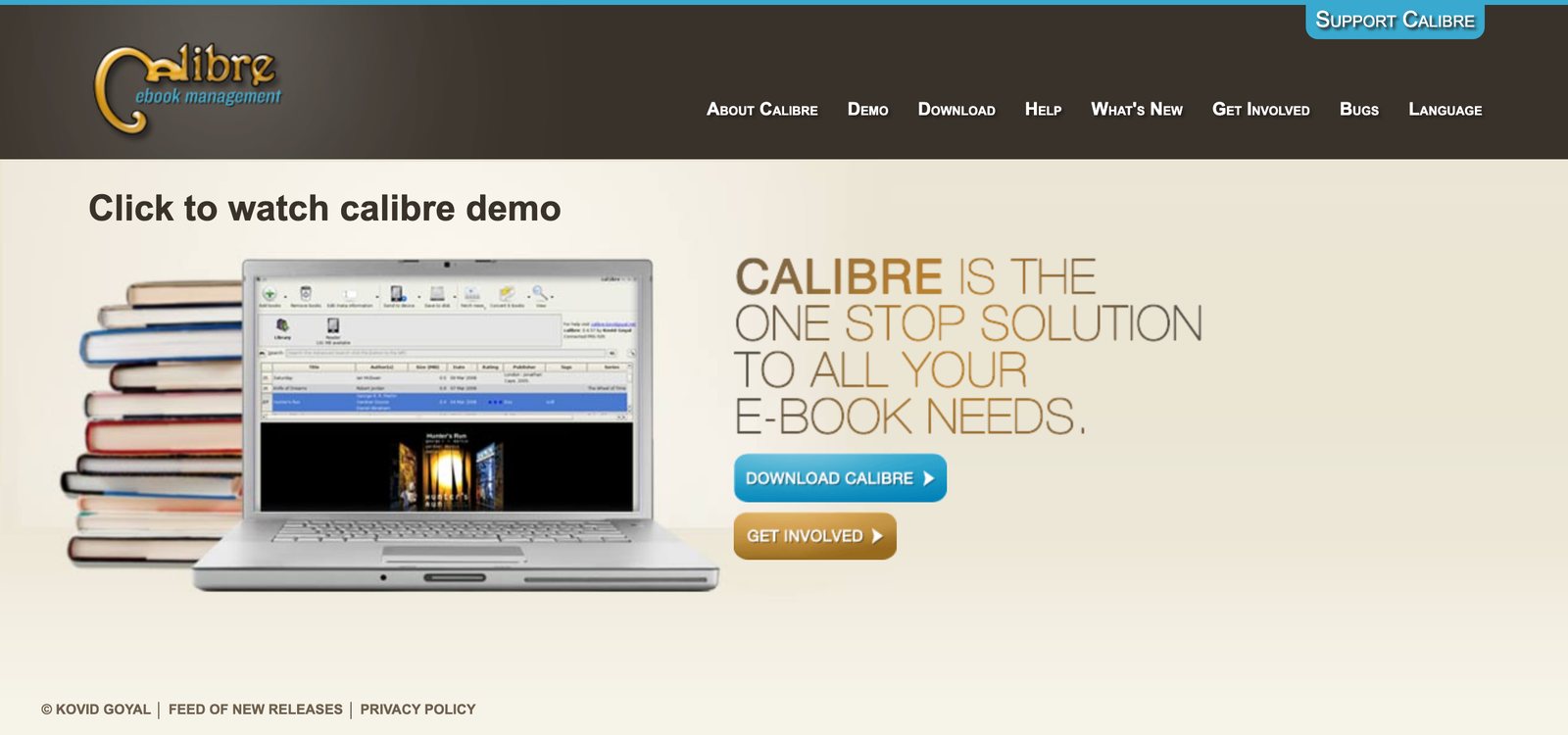
calibre is free, open source ebook software. It converts books between "dozens of file types," can change a book's style, create a table of contents and improve punctuation and margins, and has a built-in editor for EPUB and Kindle files.
- Price: free. The site asks for optional support to keep development going.
- Platforms: Windows, macOS and Linux, plus a portable version.
- Strength: fixing and converting files you already have.
It is built more for converting and repairing files than for designing a book from scratch, so it pairs well with a writing app.
Sigil: best for hands-on EPUB editing
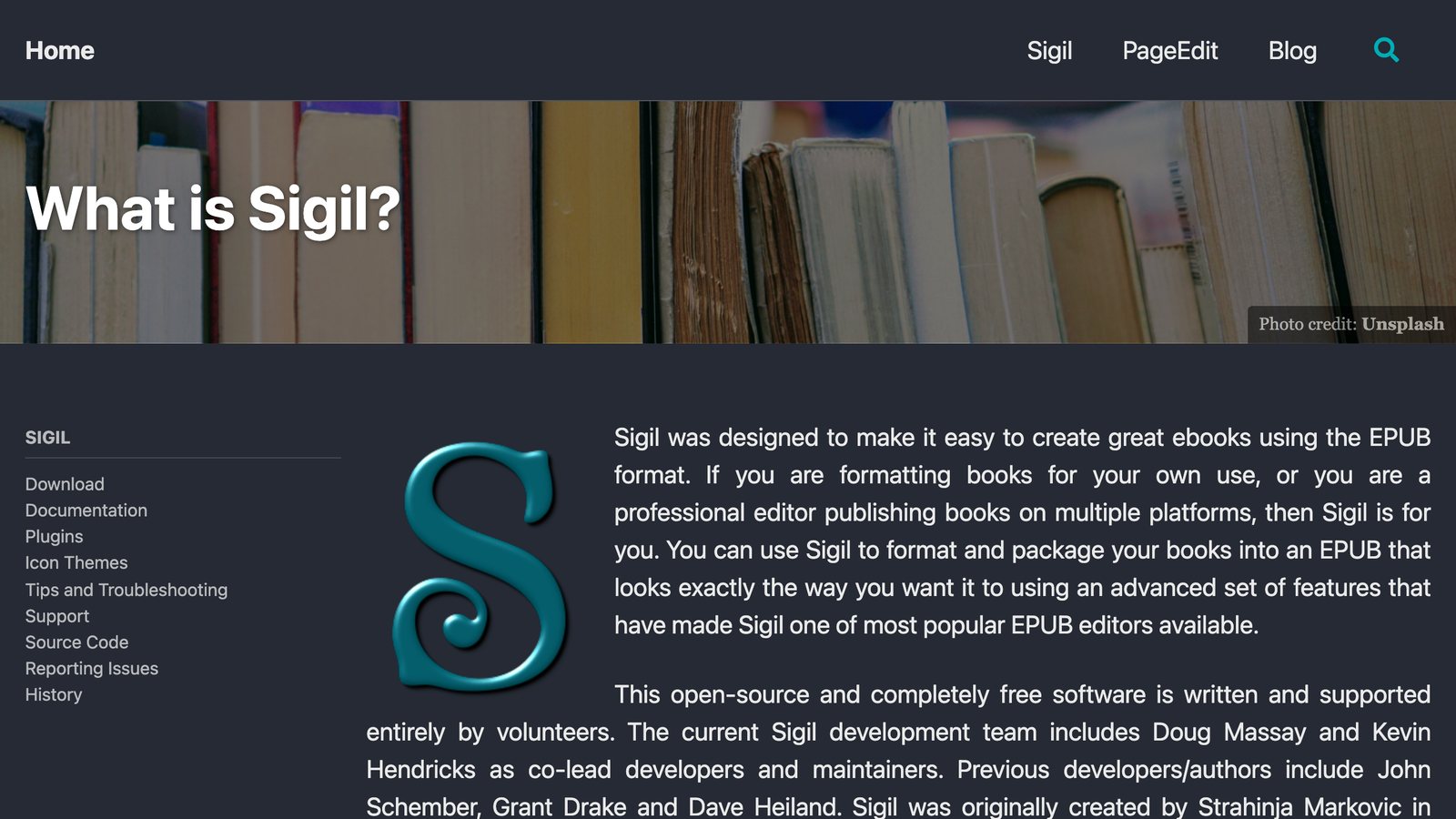
Sigil is a free, open source, multi-platform ebook editor, released under the GPLv3 licence. It edits EPUB files directly and supports both EPUB 2 and EPUB 3.
- Price: free.
- Platforms: official downloads for Windows 10 or newer, Mac (Apple silicon and Intel) and Linux.
- Works with: EPUB 2 and EPUB 3 files.
Think of it as a fine-tuning tool for an EPUB you already have, not a place to write a book.
How to choose
Three questions narrow the list fast.
- Where will you sell? If it is only Amazon, Kindle Create is free and made for KDP. If you sell in several stores, pick a tool that exports a standard EPUB, such as Reedsy Studio, Atticus, Vellum or Draft2Digital. Our guide to the best ebook formats explains which file each store wants.
- What computer do you use? Vellum needs a Mac. Atticus runs on Windows, Mac, Linux and Chromebook, and Reedsy Studio runs online.
- Is your manuscript finished? Atticus, Kindle Create and Draft2Digital all take a Word file. If you are still writing, Scrivener, Atticus, Reedsy Studio and Koobe let you write and format in the same place.
Check your EPUB before you upload
Whatever you pick, test the file before you publish. Open it in a preview app or on a real e-reader, check the table of contents and the chapter breaks, and run it through a validator. Amazon recommends validating an EPUB with Kindle Previewer before you upload it to KDP. You can also run yours through our free EPUB checker. If you want the basics first, read how to format an ebook, and see PDF vs EPUB if you are not sure which file type you need.
FAQ
Is there free ebook formatting software?
Yes. Reedsy Studio, Kindle Create, calibre and Sigil are free. Draft2Digital's conversion and layout tools are free too, and its fees apply when you distribute through it. Pressbooks gives each new book a 7-day free trial, with watermarks on the exports. With Koobe you can create and preview your first book free, but you need a paid plan to download the full book.
Can I format an ebook in Word or Google Docs?
Yes, for a simple book. KDP accepts Word files and says most convert well, though files with complex formatting may not. Our Word ebook template gives you a clean start. If you want an EPUB for other stores or more control, use one of the tools above.
What is the best ebook formatting software for Kindle?
Kindle Create is Amazon's own tool, and KDP calls the KPF files it saves a go-to method for avoiding formatting issues. KDP also accepts EPUB and Word files. If you sell outside Amazon too, choose a tool that exports EPUB. Our guide to publishing an ebook on Amazon KDP covers the upload steps, and our Kindle ebook template is a quick start for Kindle books.
Should I hire a formatter instead?
If your book has complex layouts, such as many images, tables or a custom print design, a professional can be worth it. For a mostly text book, software is usually enough and much faster.