Free Ebook Cover Templates
Ten original ebook covers, one for each popular genre, at the Kindle size of 1,600 by 2,560 pixels.
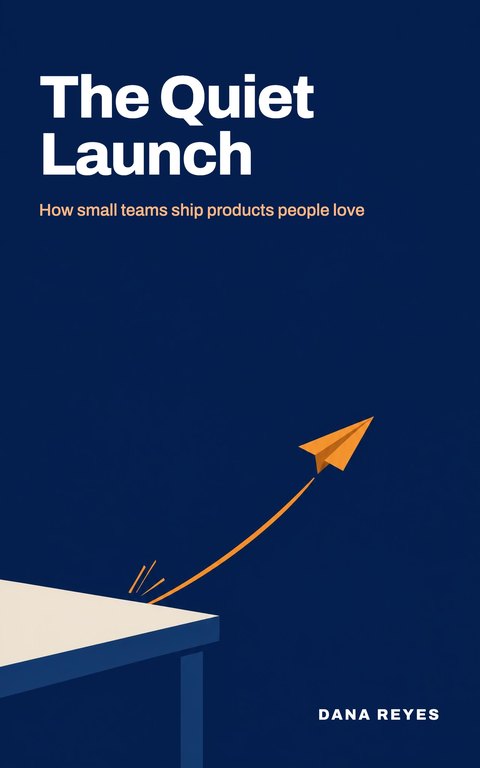



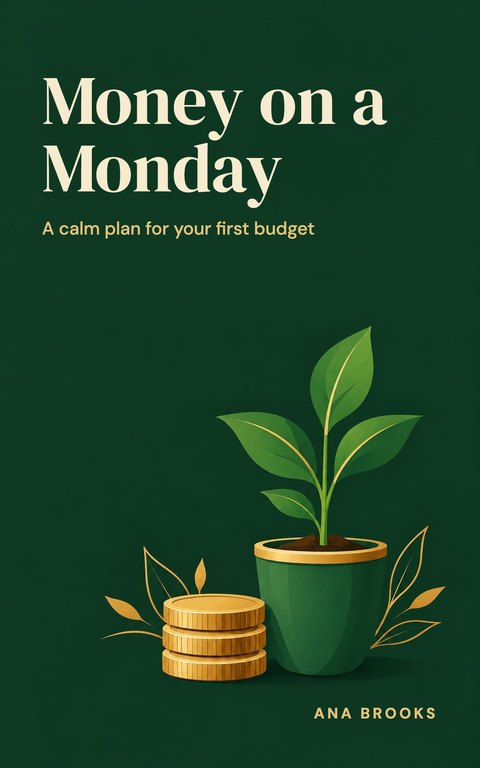
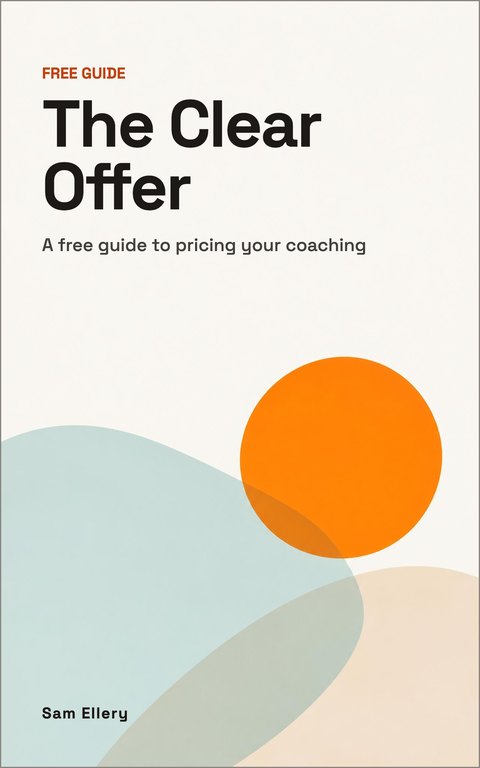

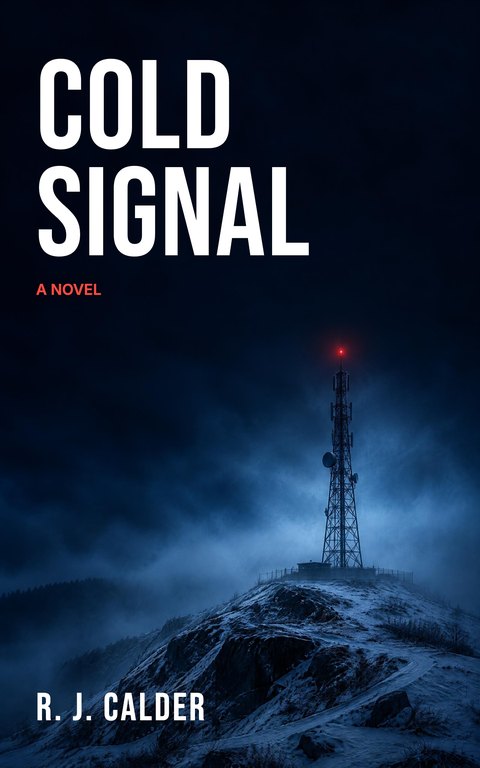
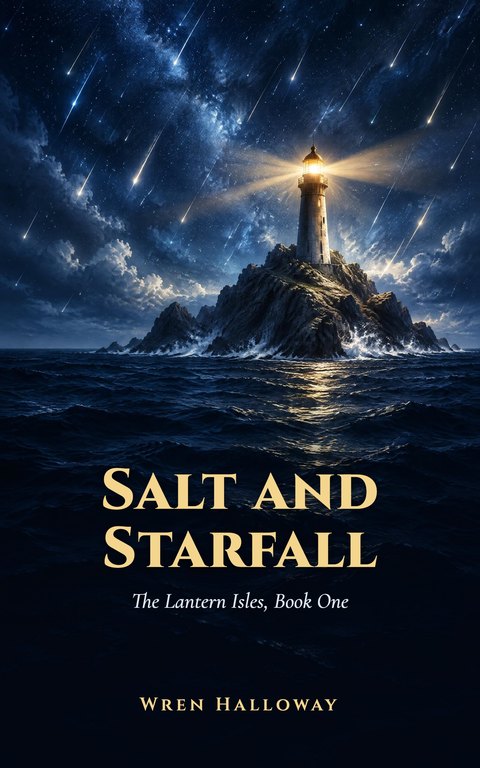
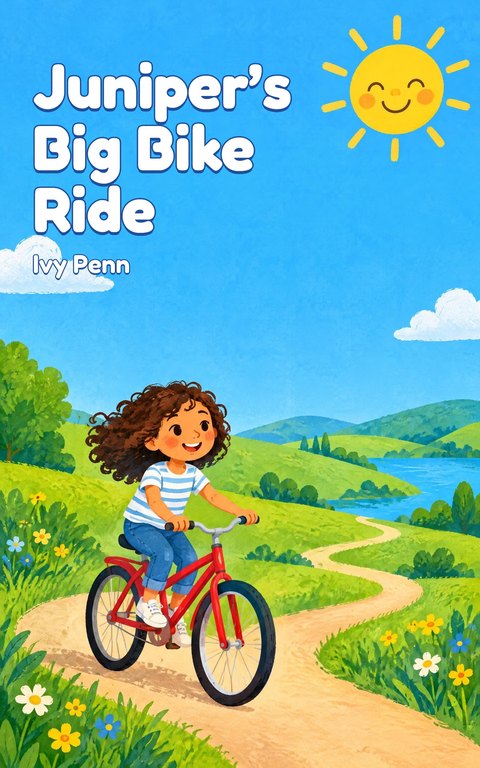


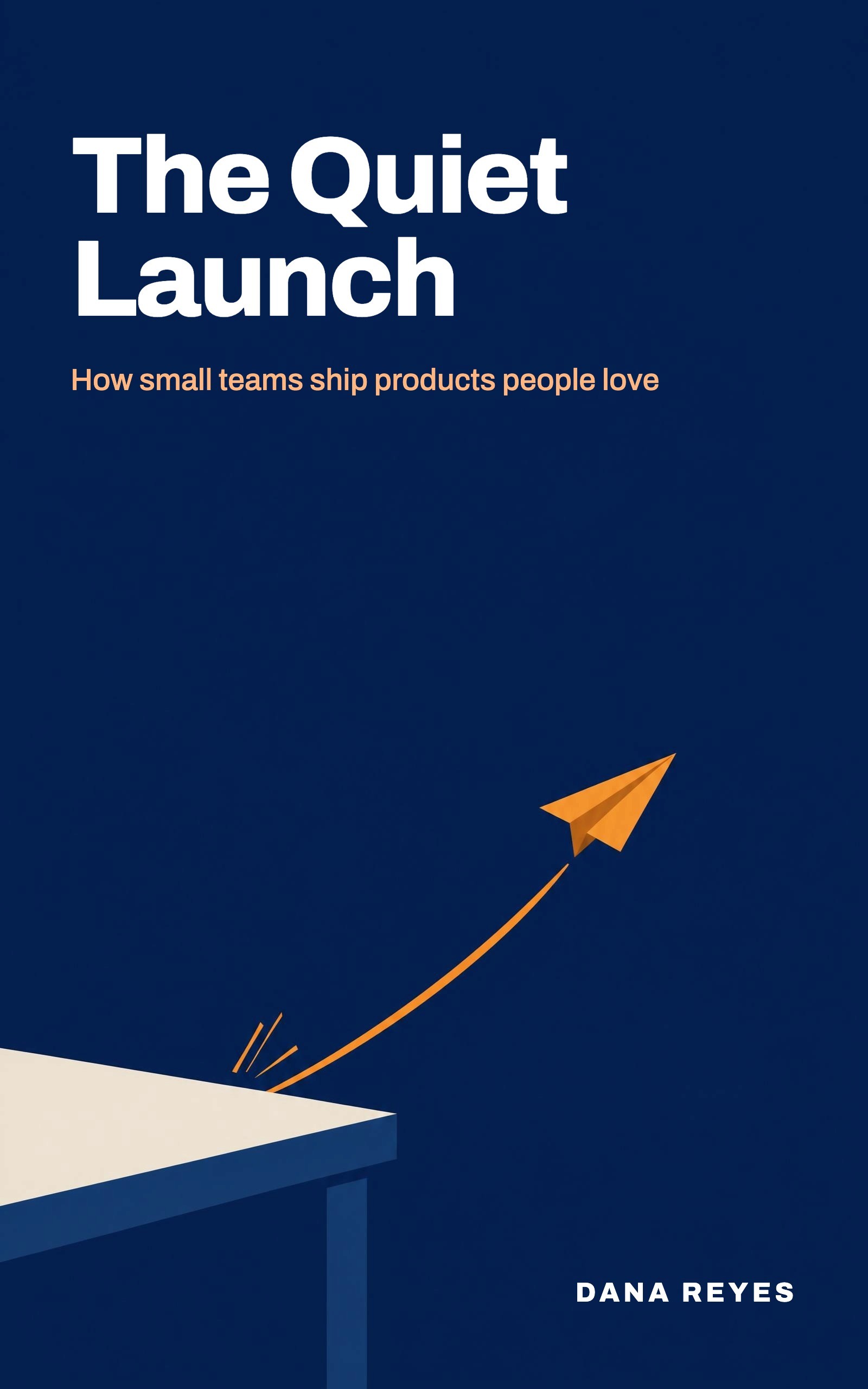



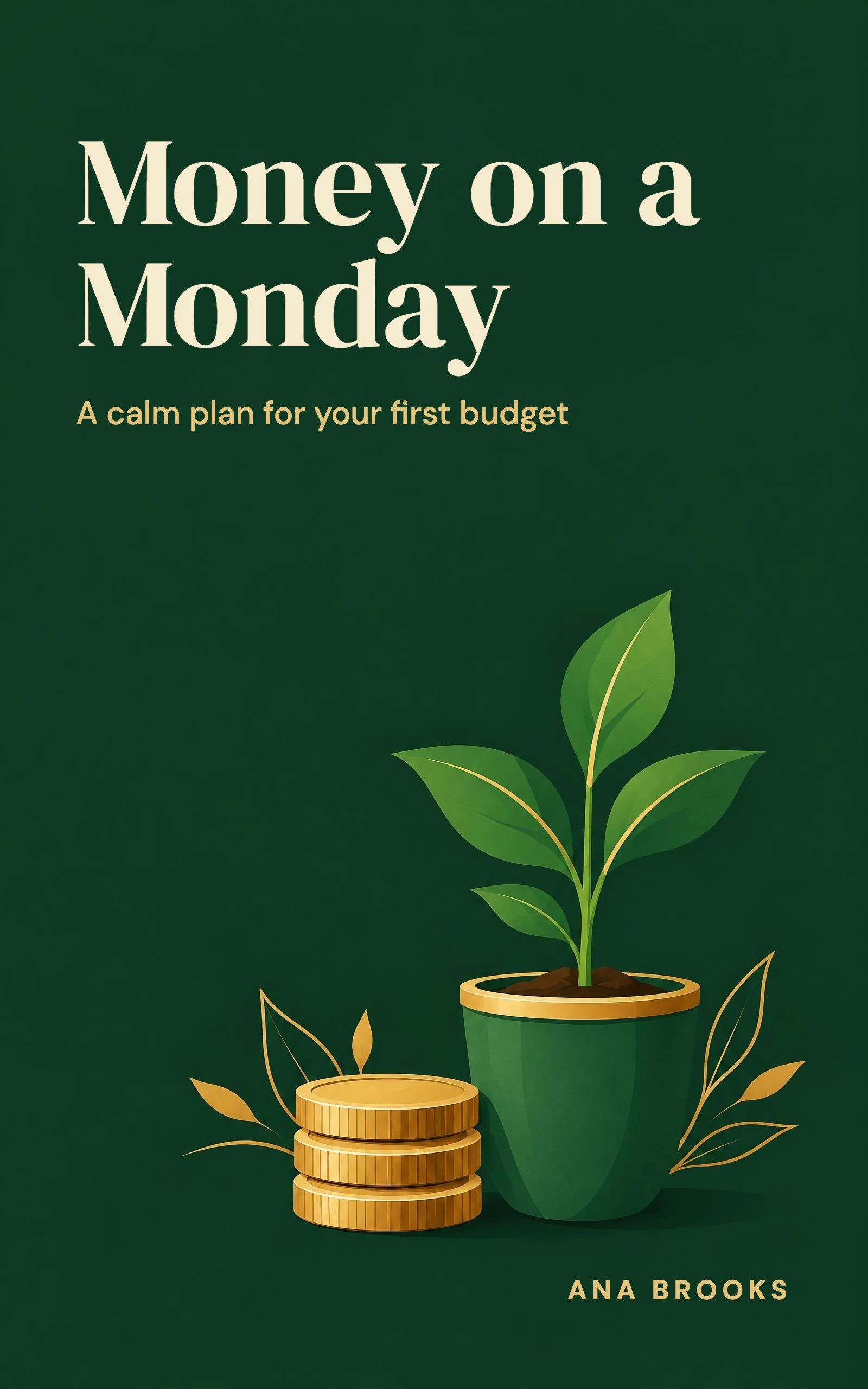



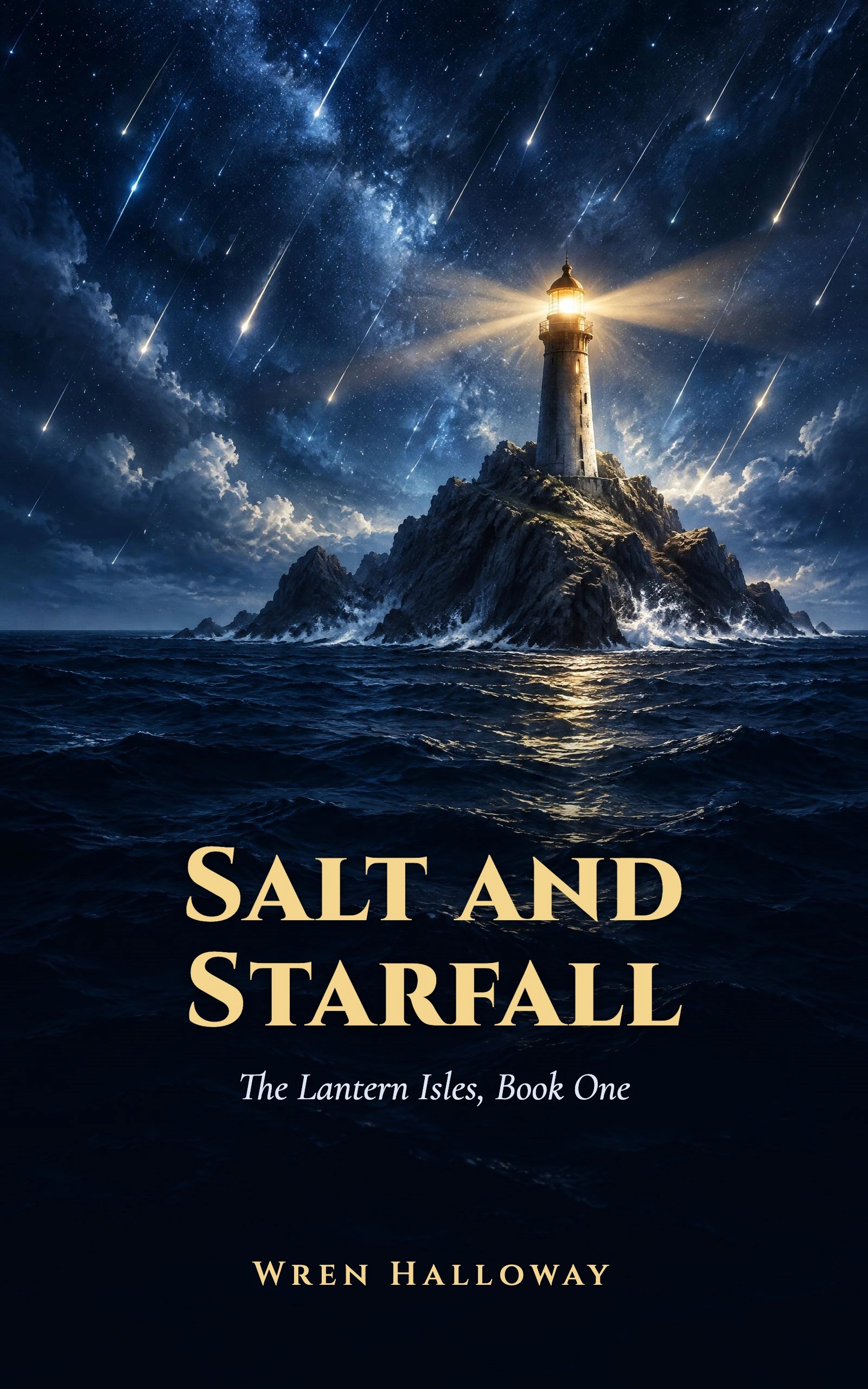
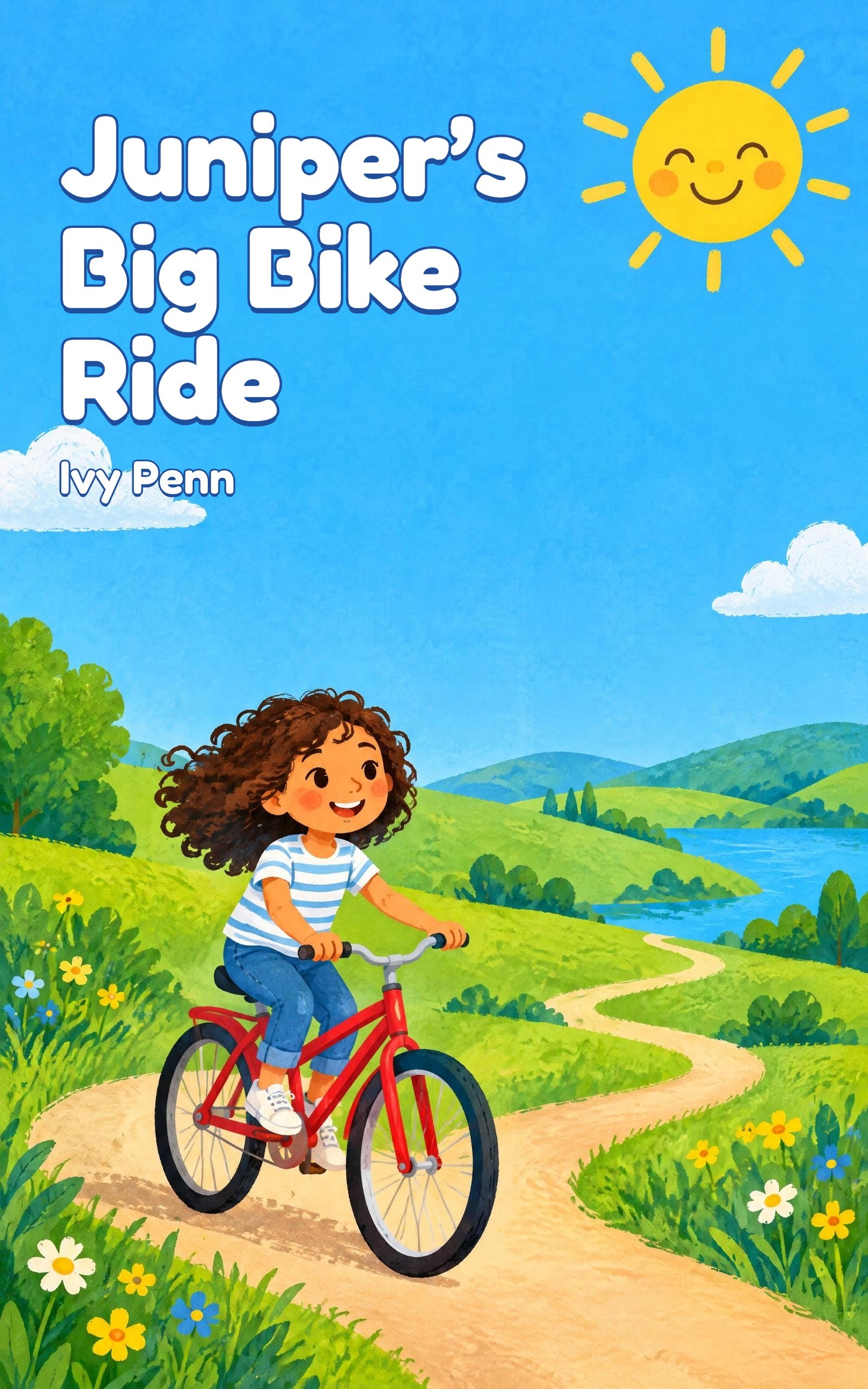
Ebook cover sizes
- Amazon Kindle (KDP): ideal size 1,600 pixels wide by 2,560 pixels tall, a JPEG in RGB. Source
- Apple Books: at least 1,400 pixels on the shorter side, RGB, front cover only. Apple gives no fixed ratio. Source
- Kobo Writing Life: portrait, width about three quarters of the height, 5 MB or less. Source
- Google Play Books: at least 640 pixels and at most 7,200 pixels in height and width. Google gives no ratio for ebook covers. Source
A 1,600 by 2,560 pixel JPEG, like the templates on this page, works for Kindle, Apple Books and Google Play Books. For Kobo, use a 3:4 version, such as 1,920 by 2,560 pixels.
What makes a cover work
- It reads as a thumbnail. Most shoppers first see your cover about the size of a stamp. Check the title is readable at 160 pixels wide.
- High contrast. Light text on a dark area, or dark text on a light one. Avoid text over busy parts of a picture.
- One clear focal point. One image or one idea, not a collage.
- Genre cues. Readers recognize a thriller, a cookbook or a self-help book in a second. Use the colors, type and imagery of your genre.
- Spell-check the title. Twice. Check the author name too.
Other free ways to make a cover
- Canva: free online editor with many cover layouts to customize.
- Adobe Express: free online editor with cover templates and stock imagery.
- KDP Cover Creator: Amazon's own tool inside KDP, built for Kindle and paperback covers.
Ebook cover templates FAQ
Free to start · No card needed · Cancel anytime
What is the recommended size for an ebook cover?
For Amazon Kindle, KDP’s ideal size is 1,600 pixels wide by 2,560 pixels tall, a JPEG in RGB. That size also works for Apple Books and Google Play Books. Kobo prefers a 3:4 shape, such as 1,920 by 2,560 pixels.
What is the best ebook cover creator?
It depends on how much design you want to do. Canva and Adobe Express are flexible editors. KDP Cover Creator is simple and made for Kindle. An AI cover generator such as Koobe’s makes finished designs from your title in about a minute.
Can ChatGPT design a book cover?
AI image tools can make cover art, but they often misspell titles and do not know store sizes. Check every word, set the size to 1,600 by 2,560 pixels for Kindle, and make sure you have the right to use what you publish.
More free ebook templates

Word ebook template
A book-style ebook with the page size, margins and heading styles already set.

Google Docs ebook template
The same book layout for Google Docs. Make a copy and start writing.

Kindle ebook template
A reflowable Word manuscript for Amazon KDP, with a linked table of contents.
Ebook outline template
Plan your reader, your promise and every chapter on one or two pages.
“Still went out the same week. That’s the part I couldn’t do on my own.”
 Claire Dobson · Freelance designer, Bristol
Your book is one sentence away
Describe it, watch Koobe build it, and download it when you’re happy. Your first book is free to create and preview.
Free to start · No card needed · Cancel anytime