10 Best AI Book Writers in 2026 (Free and Paid)
The 10 best AI book writers in 2026, compared by what they are built for, what is free and what costs money. Includes fiction and nonfiction picks and pricing checked October 2026.
 By Philip Ghezelbash
The best AI book writer depends on what you are writing. For a finished nonfiction ebook with chapters, covers and store-ready files, a dedicated generator like Koobe is the most direct route. For novels, Sudowrite and Novelcrafter are built for fiction. For a flexible drafting partner you can use free, Claude, ChatGPT and Gemini all have free plans. No AI book writer replaces your own voice and editing, so plan to read and rewrite whatever it gives you. We compare ten tools below, from full ebook generators to fiction assistants and an editing tool.
This list is written by the Koobe team, so you should know that up front. We cover our own tool first because it is ours, and we say plainly where other tools fit better. Prices and free plans change often, so we checked each tool’s own pages in October 2026. Check them again before you pay.
Quick picks
| If you want to | Try |
|---|---|
| Make a complete nonfiction ebook with covers and files | Koobe |
| Write a novel with AI help on scenes and prose | Sudowrite or Novelcrafter |
| Draft and edit with a flexible assistant, free to start | Claude, ChatGPT or Gemini |
| Generate chapters from a prompt and export PDF or Word | Squibler or Inkfluence AI |
| Tidy grammar and style for free | Grammarly, ProWritingAid or LanguageTool |
Looking for tools that also design the layout and export the EPUB? See our comparison of the best AI ebook generators.
What an AI book writer can and cannot do
An AI book writer can plan a structure, draft chapters, rewrite sections and suggest ideas. It cannot know your story, check your facts or take responsibility for what you publish. Most tools produce a draft that needs your examples, your opinions and a careful edit. If you want a workflow for that, read how to write an ebook with AI.
The tools
1. Koobe: best for a finished nonfiction ebook
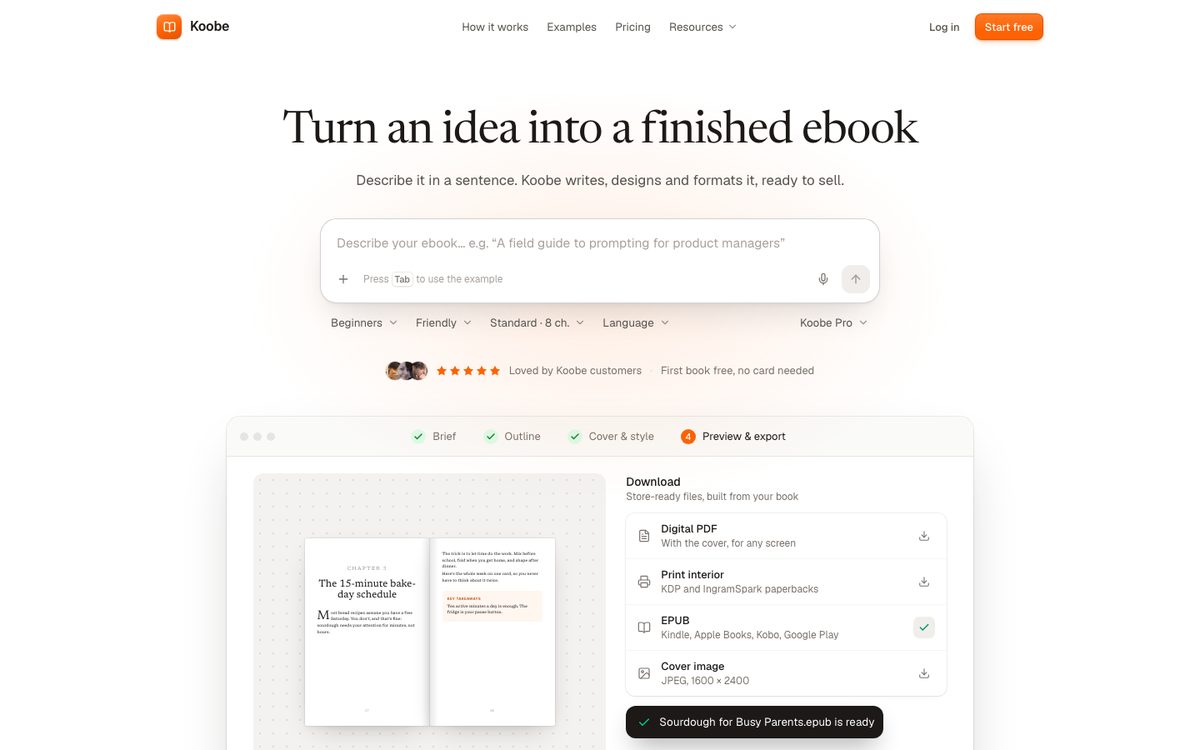
Koobe turns an idea, or notes you upload, into a complete ebook. You describe the book in a sentence and choose a length: Short (about 8,000 words, 6 chapters), Standard (about 15,000 words, 8 chapters) or Long (about 30,000 words, 12 chapters). You edit the outline before any writing starts, then Koobe writes the chapters, with each one knowing what earlier chapters covered. It designs four covers with your title and name, and exports an EPUB 3, a digital PDF, a print interior PDF and a cover image.
Free plan: your first book is free to create and preview, with no card needed. You pick a plan when you want to download it. Paid: Starter is $23 a month billed yearly ($276 a year) for 8 books a month. Pro is $39 a month billed yearly for 20 books a month and 3 seats. Business is $119 a month billed yearly for 75 books a month and 10 seats. See the pricing page for monthly billing.
Where it is not the answer: Koobe is built for nonfiction ebooks, not novels. It does not export DOCX, and it does not publish to stores for you.
2. Sudowrite: best for fiction prose

Sudowrite is built for novelists. It helps with scenes, descriptions, rewrites and brainstorming, and its Story Bible tracks your characters and plot. Its Draft tool can turn a list of beats into a chapter draft, according to Kindlepreneur’s review.
Free plan: a trial only, with no card needed. Paid: Sudowrite’s pricing page shows $10, $22 and $44 a month on its annual toggle. Kindlepreneur’s June 2026 review lists the same three tiers at $19, $29 and $59 when billed monthly. Sudowrite says it does not use your writing to train its models or OpenAI’s models.
3. Novelcrafter: best for planning long fiction
Novelcrafter is a writing workspace for novels. Its Codex works like a story wiki and tracks characters, places and plot points so the AI does not lose them. It can generate prose from scene beats. It exports to DOCX and Markdown, and to Scrivener and Atticus formats.
Free plan: a 21-day trial with all features and no card. Paid: Scribe is $4 a month and has no AI. Hobbyist is $8, Artisan is $14 and Specialist is $20 a month. For the AI features you connect your own API key from a provider, and that provider bills you for usage.
4. Claude: a flexible drafting and editing partner
Claude is a general AI assistant. Its Projects feature lets you keep an outline and notes in one place so you can draft chapter by chapter in a consistent voice. It handles long text well and is useful for editing.
Free plan: yes, with usage limits that reset on a rolling five-hour window, and up to five projects. Paid: Claude Pro is $20 a month, or $17 a month billed annually at $200 upfront. A general assistant gives you the most flexibility and the most work: you manage structure, design and export yourself.
5. ChatGPT: the other flexible option
ChatGPT also works as a drafting and editing partner. You will need to keep track of context between chapters.
Free plan: yes. Free includes unlimited text chats, with limits on uploads, images and research tools. Projects are not on the free plan. Paid: ChatGPT Plus is $20 a month. We cover the workflow in how to write a book with ChatGPT.
6. Gemini: Google’s assistant
Gemini has Canvas and Gems for drafting and reusing instructions. Free plan: yes. Paid: AI Plus is $4.99 a month and AI Pro is $19.99 a month.
7. Squibler: drafts books and screenplays

Squibler helps you move from an idea to chapters and scenes, and its pricing page says it can generate a 200 to 300 page book. It exports PDF and DOCX. We did not find EPUB export on its pages.
Free plan: yes, $0 with 1,000 AI credits a month, which is small for a full book. Paid: Plus is $29.99 a month or $15.83 a month billed yearly ($189.60), with 10,000 credits. Pro is $89.99 a month or $49.17 a month billed yearly ($590.04), with unlimited credits.
8. Inkfluence AI: idea to ebook
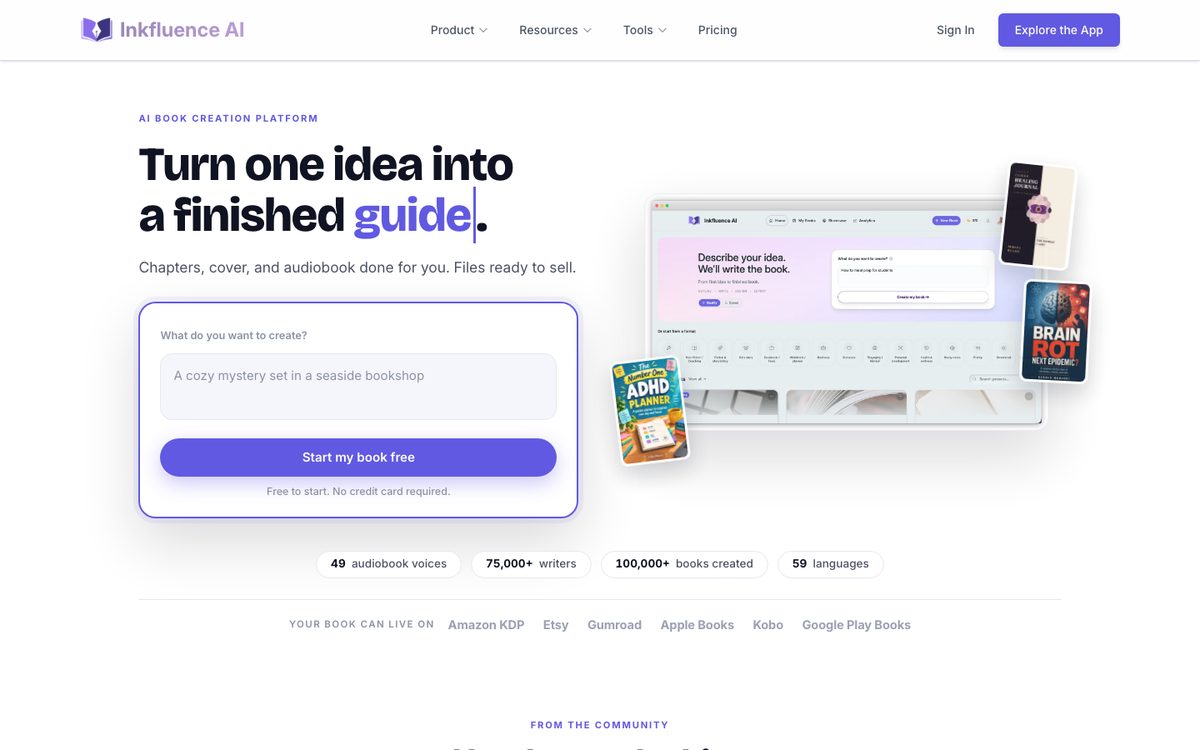
Inkfluence AI writes full chapters from a prompt, includes a story bible for fiction and checks the last three chapters for continuity.
Free plan: 5 chapters, plus 5 more each month, with PDF export only. Paid: Creator is $9.99 a month or $89 a year, with 35 chapters a month and PDF, EPUB and DOCX export. Premium is $19.99 a month or $179 a year, with unlimited chapters. Inkfluence says it does not use your content to train its AI models. It also publishes many roundups, so treat its rankings as vendor content.
9. NovelAI: fiction and fan fiction
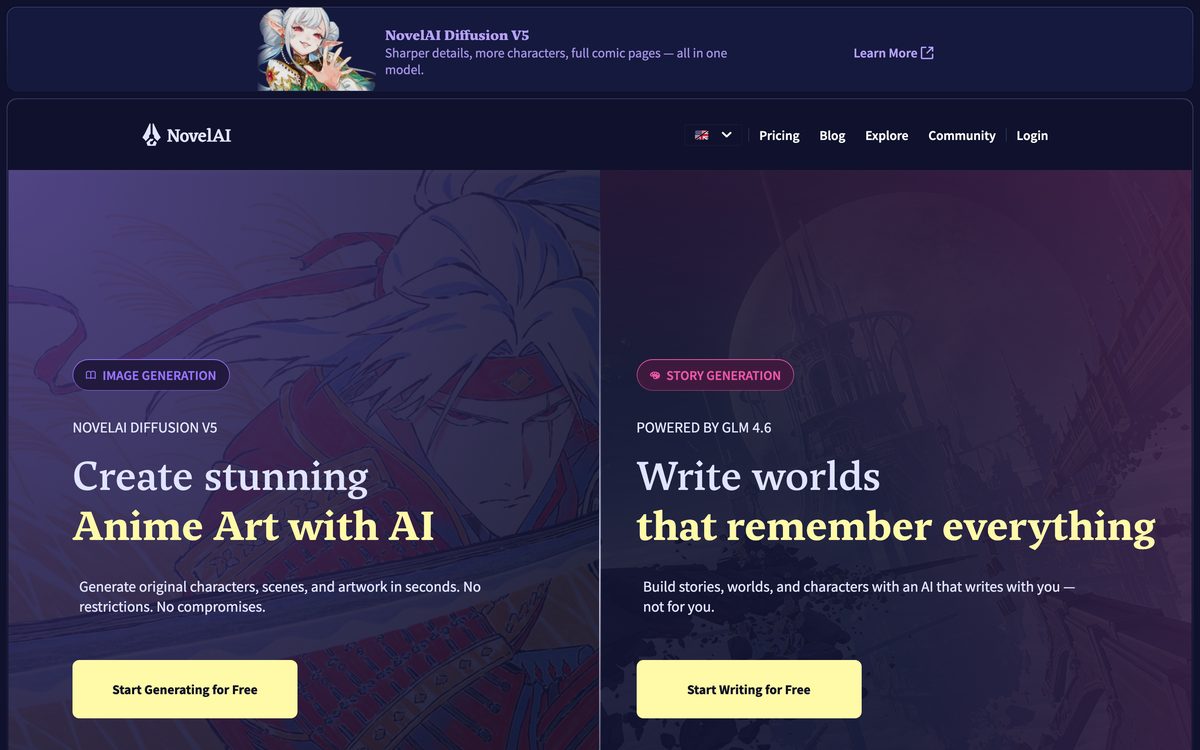
NovelAI is aimed at storytelling and fan fiction and has a lorebook for tracking details. Free plan: a trial with 50 text generations. Paid: Tablet is $10 a month, Scroll is $15 and Opus is $25.
10. ProWritingAid: best for polishing your draft
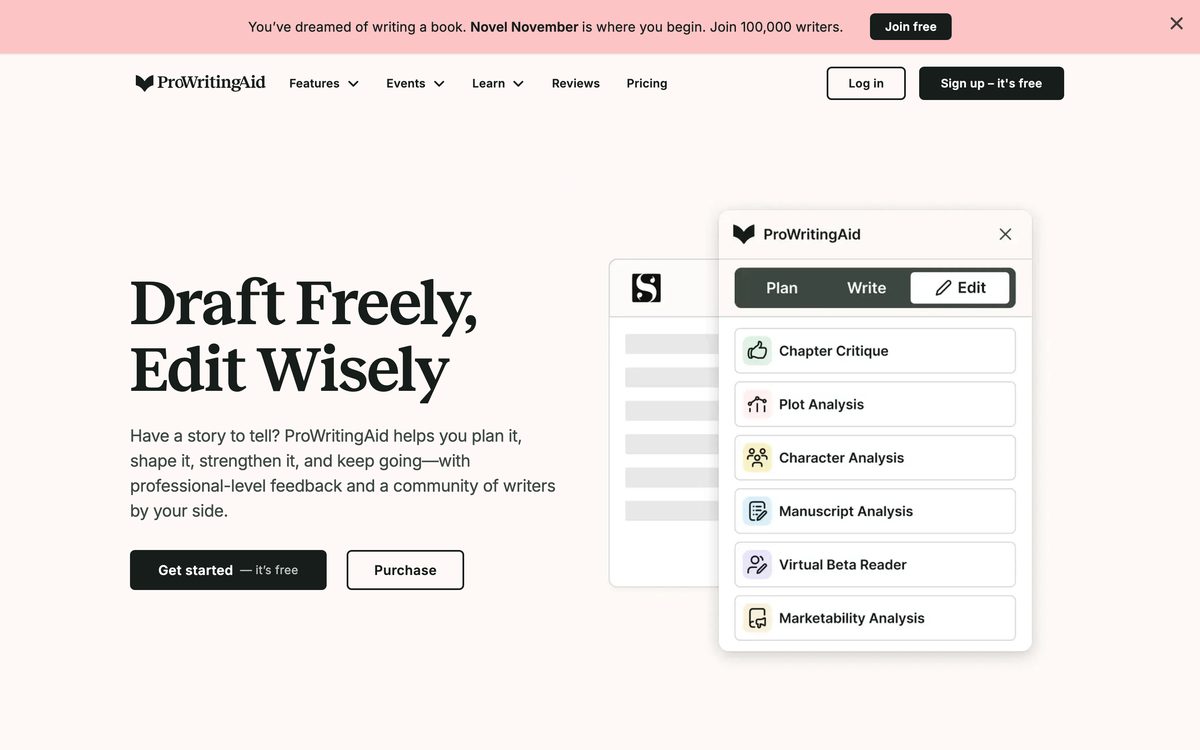
ProWritingAid is a writing and editing tool, not a book generator, so it does not write your book. It checks grammar and style, offers line-editing suggestions and AI rewrites (it calls these Rephrases), and suits the editing pass after a draft from any tool above.
Free plan: yes, with 500 words per check, two line-editing runs a day and 10 rephrases a day. Paid: Premium is $30 a month or $120 a year. See its pricing page.
Which AI book writers are really free?
| Tool | Free option | What the limit is |
|---|---|---|
| Claude | Ongoing free plan | Usage caps on a rolling five-hour window |
| ChatGPT | Ongoing free plan | Limited uploads and tools, no Projects |
| Gemini | Ongoing free plan | Free tier with feature limits |
| Squibler | Free forever plan | 1,000 AI credits a month |
| Koobe | First book free to create and preview | Download and more books need a paid plan |
| Inkfluence AI | Free tier | 5 chapters, then 5 a month, PDF only |
| NovelAI | Trial | 50 text generations |
| ProWritingAid | Ongoing free plan, editing only | 500 words per check, two line-editing runs a day |
| Sudowrite | Trial | Credit amount not shown |
| Novelcrafter | 21-day trial | Then paid |
Honest summary: if you want an AI to help draft a whole book for free, Claude, ChatGPT and Gemini are the most open options, and you do the structure and formatting yourself. The writing-specific tools mostly give you a trial or a small free allowance. If you only want to try one, our free book writer writes an outline and a sample chapter with no account.
Prices side by side
Prices checked on each tool’s own pages on October 4, 2026. Billing options differ, so read the notes above.
| Tool | Free | Lowest paid plan |
|---|---|---|
| Koobe | First book free to create and preview | $23 a month, billed yearly |
| Sudowrite | Trial | About $10 a month (annual billing) |
| Novelcrafter | 21-day trial | $4 a month (no AI), $8 with AI plus your own API costs |
| Claude | Yes | $20 a month ($17 on annual billing) |
| ChatGPT | Yes | $20 a month (Plus) |
| Gemini | Yes | $4.99 a month (AI Plus) |
| Squibler | Yes | $29.99 a month ($15.83 on annual billing) |
| Inkfluence AI | Yes | $9.99 a month |
| NovelAI | Trial | $10 a month |
| ProWritingAid | Yes (editing only) | $120 a year ($30 monthly) |
Does the tool train on your manuscript?
Before you paste a book into any tool, check its data settings.
| Tool | What it says |
|---|---|
| Claude (consumer plans) | Chats are used to improve models only if you allow it in privacy settings. Incognito chats are not used. |
| ChatGPT | Content may be used to improve models unless you turn off “Improve the model for everyone”. |
| Gemini | With Keep Activity on, activity may be used to train models. With it off, it is not used for training, but chats are kept for 72 hours. |
| Sudowrite | Says it does not use your writing to train its or OpenAI’s models. |
| Inkfluence AI | Says it does not use your content to train its AI models. |
| Novelcrafter, Squibler, NovelAI, ProWritingAid | We could not confirm a stated policy. Check before you paste in unpublished work. |
Free tools for editing your draft
- Grammarly Free: basic error checks and 100 AI prompts a month.
- LanguageTool Free: 2,000 characters per check.
- Hemingway: a free web editor for readability. Its paid plan is separate.
- ProWritingAid (number 10 above) also has a free plan.
Useful tools that are not AI writers
- Reedsy Studio: a free book editor and formatter that exports EPUB and print PDF. Reedsy says it has no built-in AI generation.
- Scrivener: a one-time $59.99 writing app for Mac and Windows with no built-in AI.
- Atticus: $147 one time for formatting, with EPUB, PDF and DOCX export. Its official page does not mention AI features.
- Dabble: a writing app from $19 a month with a 14-day trial and no AI features.
Rules to know before you publish AI-assisted work
Amazon KDP asks you to tell it about AI-generated content (text, images or translations) when you publish a new book or republish an edited one. KDP counts content made by an AI tool as AI-generated even if you edited it a lot. If you wrote the content yourself and only used AI to edit, refine or check errors, KDP calls it AI-assisted and does not need disclosure. Everything must still meet KDP’s content guidelines. Apple Books also says AI-generated material must be labeled. Our guide to publishing a book written by AI explains the details.
How to choose
- Fiction or nonfiction? Fiction points to Sudowrite, Novelcrafter or NovelAI. Nonfiction opens up Koobe and the general assistants.
- Do you need finished files? If you want an EPUB, a PDF and a cover from one place, pick a generator. If you only want help writing, an assistant is enough.
- How much do you want to manage? More tools mean more flexibility and more work.
- Is your manuscript private? Check the training policy above.
- Test before you pay. Pick one chapter you already know well and run it through two tools. Keep the one whose draft you can edit fastest.
FAQ
What is the best free AI book writer?
For drafting a whole book, Claude, ChatGPT and Gemini have the most open free plans, and you handle structure and formatting yourself. If you want a finished nonfiction ebook, you can create and preview your first Koobe book for free, and a paid plan unlocks the download. Squibler also has a free plan, with a small monthly credit allowance.
Which AI is best for writing a novel?
Sudowrite and Novelcrafter are the two most often recommended fiction tools, and NovelAI has a following for storytelling and fan fiction. Many novelists also use Claude or ChatGPT for brainstorming and editing. Fiction is not Koobe’s focus.
Which AI is best for writing a nonfiction book?
If you want a complete ebook with chapters, covers and files, Koobe is built for that. If you prefer to write chapter by chapter yourself, a general assistant like Claude or ChatGPT works well, and Koobe can also import a finished manuscript to design and export it.
Can ChatGPT write a whole book?
It can draft any part of one, but you have to manage the outline, the context between chapters, the design and the export yourself. Our guide to writing a book with ChatGPT shows a workflow.
Do I have to tell Amazon I used AI?
If the text was generated by an AI tool, KDP asks you to disclose it, even if you edited it. If you wrote it and only used AI to polish or check it, KDP treats it as AI-assisted and does not require disclosure. Check KDP’s current page when you publish.
Is it safe to paste my manuscript into an AI tool?
It depends on the tool and your settings. Some say they do not train on your writing, and others use chats for training unless you opt out. See the table above, and check the tool’s privacy page before you paste in unpublished work.
Where Koobe fits
If your goal is a finished, formatted nonfiction ebook you can publish, Koobe is designed for that path: describe the book, edit the outline, review the chapters, pick a cover and export the files. For a novel, pick one of the fiction tools above. Test any two tools on the same chapter before you commit.
Describe your book in a sentence. Koobe plans the chapters, writes them, designs the cover and exports a PDF and EPUB. Your first book is free.

“Files were ready for KDP, which is what I actually needed. First book I’ve finished.”