The 7 Best AI Ebook Generators in 2026
The 7 best AI ebook generators in 2026, compared by what each one actually does: writing, design, export and publishing. Includes a checklist for choosing the right one.
 By Philip Ghezelbash
The best AI ebook generator depends on what you are making. For a finished nonfiction ebook with chapters, a cover and store-ready files from one description, a dedicated generator like Koobe is the most direct route. For fiction, Sudowrite is built for prose. For repurposing content you already have, Designrr is a good fit. For design-first lead magnets, Canva works. And a general chatbot like ChatGPT is flexible but leaves the structure, design and export to you.
Tool lists online tend to rank whichever product the publisher sells. This one is written by the Koobe team, so you should know that up front. We list Koobe first because it is our product, and we try to be fair about where other tools fit better. Prices and features change often, so check each site before you pay. If you mainly want help with the writing, especially for fiction, see our list of the best AI book writers.
What an AI ebook generator should do
An ebook is more than text. A tool can be good at one part and weak at the rest. Here are the parts to look for.
| Part of the job | What to look for |
|---|---|
| Planning | An outline you can see and edit before any writing happens |
| Writing | Chapters that know what earlier chapters said, so they don't repeat |
| Your own material | The ability to upload notes, documents or transcripts |
| Editing | Rewrite, shorten and expand tools inside the book, not in a separate chat |
| Design | Layouts, fonts and a cover that looks professional at thumbnail size |
| Export | EPUB for stores, PDF for direct sales, print-ready PDF for paperbacks |
| Control | You can edit every word, and you own the result |
A generator that skips the outline and writes the whole book from one prompt tends to produce the shallowest results. A tool that writes text but leaves you to design and export means more work in other apps.
The tools, by what they're best at
1. Koobe: best for a finished nonfiction ebook
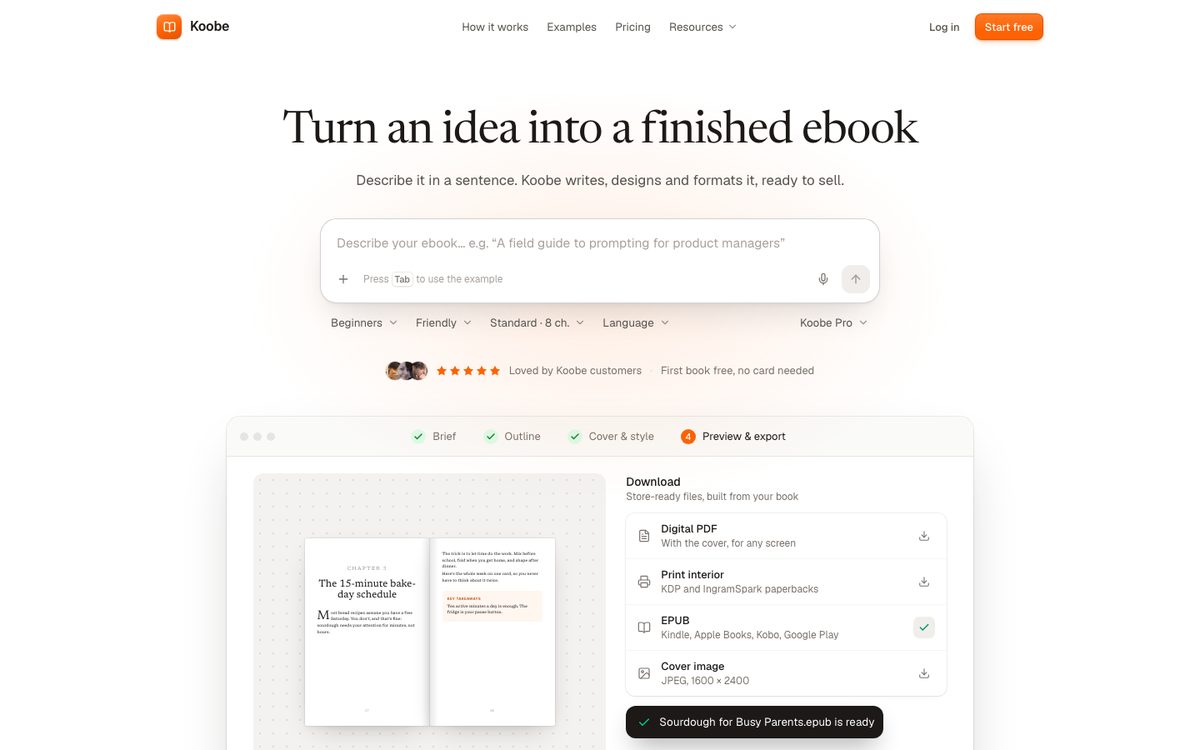
Koobe turns an idea, or notes you upload, into a complete ebook. You describe the book in a sentence, see the outline and edit it, then Koobe writes the chapters, designs four covers and exports the files.
What it does:
- You choose a length first: Short (about 8,000 words, 6 chapters), Standard (about 15,000 words, 8 chapters) or Long (about 30,000 words, 12 chapters).
- You edit the outline before any writing starts, so you can rename, reorder, add or remove chapters.
- Each chapter is written knowing what earlier chapters covered.
- A built-in assistant can shorten a chapter, add a missing one or tighten a section.
- You pick a type pairing, page layout and trim size, and can preview before export.
- It designs four covers with your title, subtitle and author name lettered in, and checks the spelling on each.
- It exports an EPUB 3, a digital PDF with the cover, a print interior PDF for paperbacks, and a 1,600 × 2,400 px cover JPEG.
- You can create and preview your first book free.
Where it isn't the answer: Koobe doesn't export DOCX, and it doesn't publish to stores for you. You upload the files yourself. If you need DOCX output or Word-based editing, other tools fit better. (If you've written the book yourself, Koobe can import the finished manuscript to design and export it, with no AI writing.)
Best for: coaches, consultants, course creators and authors who want a complete nonfiction book or lead magnet without piecing tools together.
2. Sudowrite: best for fiction

Sudowrite is built for novelists. It helps with scenes, descriptions, rewrites and brainstorming, and its Story Bible can take you from an idea to an outline to drafted chapters. It is not an end-to-end ebook generator: it exports text (DOCX), so you will need other tools for the cover, formatting and EPUB. We compare it with other fiction tools, including Squibler, in the best AI book writers.
Best for: fiction writers who want AI help with prose.
3. Designrr: best for turning existing content into an ebook
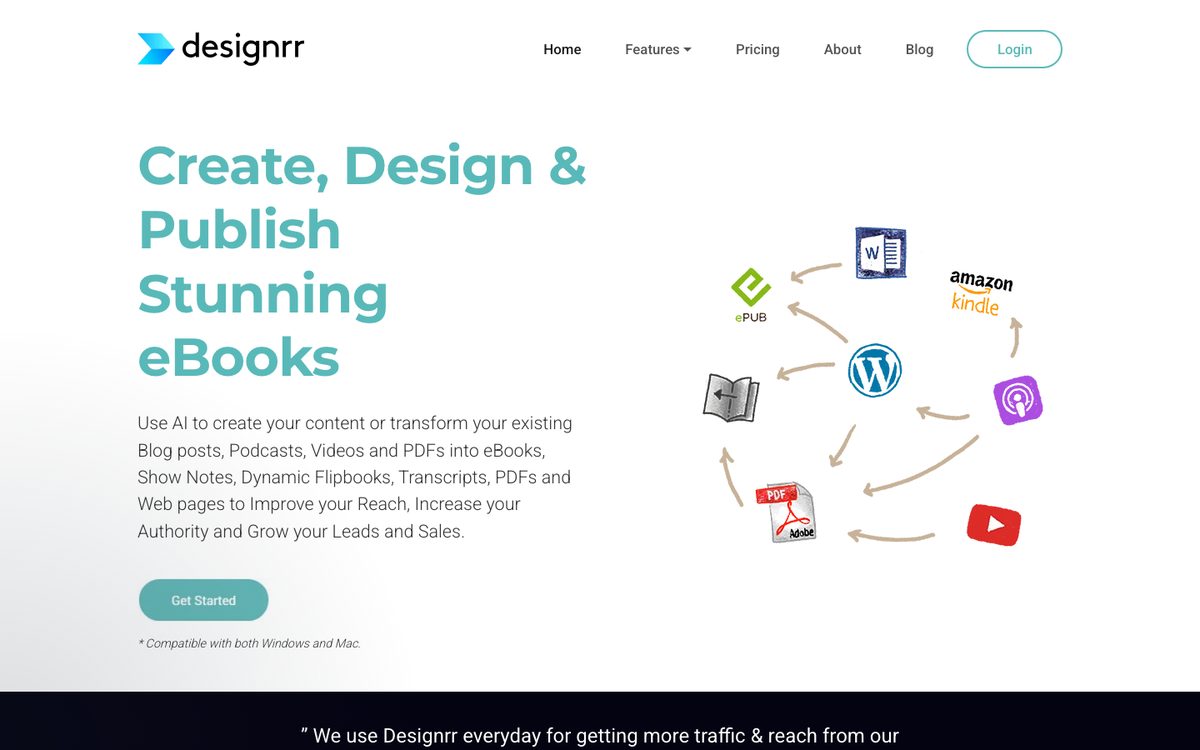
Designrr is aimed at repurposing. You bring blog posts, articles or other material, and it helps turn them into a formatted ebook or flipbook. If you already have a lot of written content, this is a practical shortcut. If you are starting from a blank page, the writing help is less central.
Best for: marketers and publishers with a backlog of content.
4. Canva: best for design-heavy lead magnets
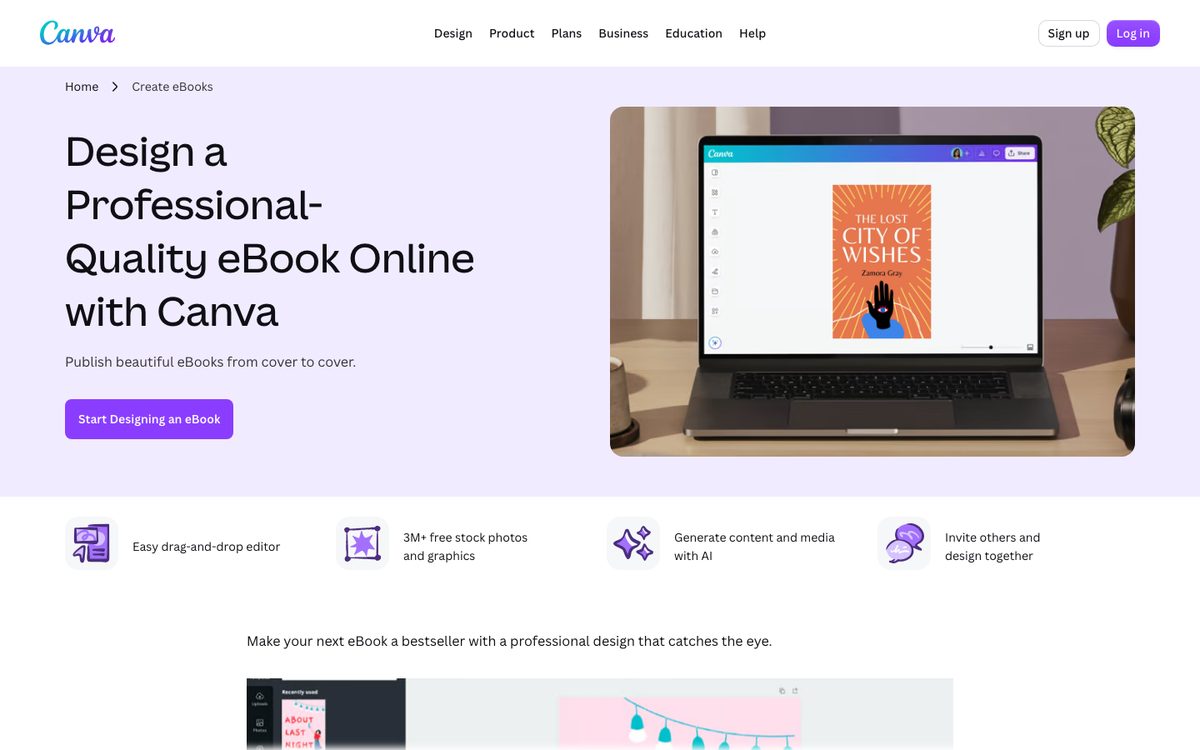
Canva has ebook and guide templates and an AI writing assistant. It shines when the look of a short guide matters most, and it is easy to use. For a long book, you will manage structure, chapter writing and EPUB export yourself, since Canva's strength is page design and PDF.
Best for: short, visual PDFs such as checklists and mini guides.
5. ChatGPT and chatbots: best for DIY drafting
A general AI assistant can brainstorm, outline, draft and edit anything. You get the most flexibility and the most work. You have to keep track of context between chapters, and while ChatGPT can make images and simple PDF or Word files, it has no book-cover or store-ready EPUB workflow, so the design and final files happen elsewhere. We cover this route in detail in how to write a book with ChatGPT.
Best for: people who like to control every step and are comfortable stitching tools together.
6. Squibler: best for fiction and screenplays

Squibler is aimed at novels and screenplays. You develop and draft the story by chatting with it, and export a PDF or Word file. We couldn't find EPUB export or cover design, so you'll need other tools to finish an ebook.
Best for: fiction and screenwriters who like working in a chat.
7. Inkfluence AI: an alternative idea-to-ebook tool
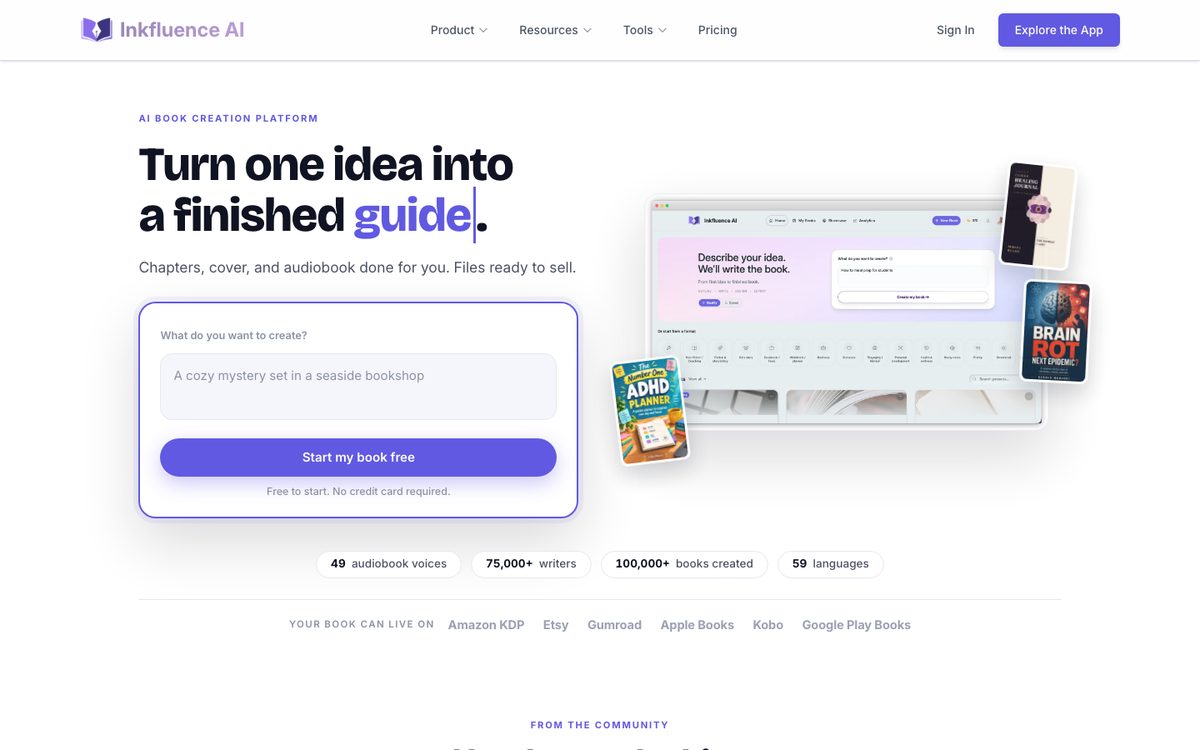
Inkfluence AI also goes from an idea to an outline, chapters and an AI cover. PDF export is free; EPUB and Word export need a paid plan. If you're comparing idea-to-ebook tools, try it and Koobe on the same topic and compare the output.
Best for: nonfiction authors comparing all-in-one generators.
Also worth knowing: Atticus and Vellum for formatting
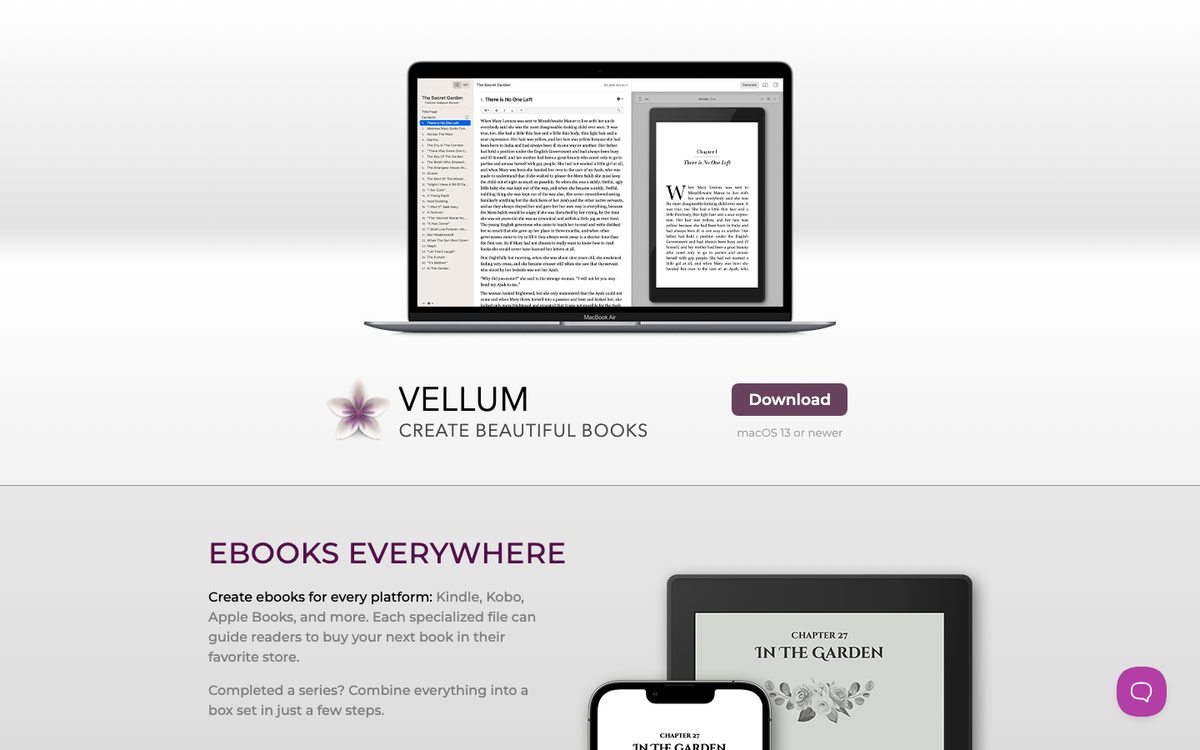
These are formatting tools, not AI writers. If you have written your book and want polished print and ebook files, they are worth a look. They don't generate the content or design covers (you add your own), and Vellum runs only on a Mac.
Best for: authors with a finished manuscript who want professional formatting.
Side-by-side
This table compares what each tool is mainly built to do. Check each product's site for current details.
| Tool | Main strength | Writes the chapters | Cover design | Ebook files | Best for |
|---|---|---|---|---|---|
| Koobe | Complete nonfiction ebook | Yes, from your outline | Yes, four options | EPUB, PDF, print PDF | Nonfiction and lead magnets |
| Sudowrite | Prose and fiction | Drafts chapters from your story outline | No | DOCX | Novelists |
| Designrr | Repurposing content | Some | Templates | PDF, EPUB and more | Existing content |
| Canva | Visual design | Short text help | Yes | Short visual guides | |
| ChatGPT and other chatbots | Flexible drafting | Yes, with your management | Image generation, no cover workflow | Simple PDF or DOCX on request, no store-ready EPUB | DIY builders |
| Squibler | Fiction and screenplays | Yes, by chat | No | PDF, DOCX | Novelists and screenwriters |
| Inkfluence AI | Idea to ebook | Yes | Yes, AI cover | PDF free; EPUB and DOCX on paid plans | Nonfiction ebooks |
| Atticus or Vellum | Formatting | No | No (you add your own) | EPUB, print PDF | Finished manuscripts |
How to choose
Ask these questions in order.
- Am I writing fiction or nonfiction? Fiction points to Sudowrite or a general assistant. Nonfiction opens up the full generators.
- Do I already have the content? If yes, Designrr or an upload-based tool like Koobe will use it. If not, you need a tool that plans and writes.
- Will I sell it in stores? You need a proper EPUB. Check that the tool exports one and that it passes validation.
- Do I want a paperback too? Look for print-ready interior PDFs with the right margins and page order.
- How much do I want to manage? More tools mean more flexibility and more time.
- Can I edit everything? Any tool that locks you out of the text is a poor choice.
How to test a generator in 30 minutes
Don't trust a feature list. Run the same test on each tool you are considering.
- Pick one real topic you know well, and write one sentence for the reader and one for the promise.
- Ask each tool for an outline. Note how easy it is to edit.
- Generate two chapters. Check for repeated points, made-up facts and a flat tone.
- Try the editing tools. Can you shorten a chapter or add a missing section?
- Export. Open the EPUB on your phone and click through the table of contents.
- Look at the cover at thumbnail size.
The tool you would actually publish from is the one to pick.
What no generator can do for you
Every tool on this list produces a draft. None of them knows your story, checks your facts or takes responsibility for the result. Before you publish:
- Read every chapter and cut what's generic.
- Add your own examples, numbers and opinions.
- Check every statistic, name, date and quote.
- Answer each store's AI disclosure question honestly. We explain how in Can I publish a book written by AI on Amazon?.
Our workflow guide, how to write an ebook with AI, covers this in detail.
Where Koobe fits
If your goal is a finished, formatted nonfiction ebook you can publish, Koobe is designed for that path: describe the book, edit the outline, review the chapters, pick a cover and export the files. You can create and preview your first book free, then compare the result against any other tool on this list.
Describe your book in a sentence. Koobe plans the chapters, writes them, designs the cover and exports a PDF and EPUB. Your first book is free.

“Files were ready for KDP, which is what I actually needed. First book I’ve finished.”
The short answer, again
- Want a complete nonfiction ebook from one description? Koobe.
- Writing a novel? Sudowrite or a general assistant.
- Have content to repurpose? Designrr, or upload your notes to Koobe.
- Want a short visual PDF? Canva.
- Want full control and don't mind the work? ChatGPT or another chatbot.
- Have a finished manuscript to format? Atticus or Vellum, or import it into Koobe.
Test two tools on the same topic before you commit to either.