Changelog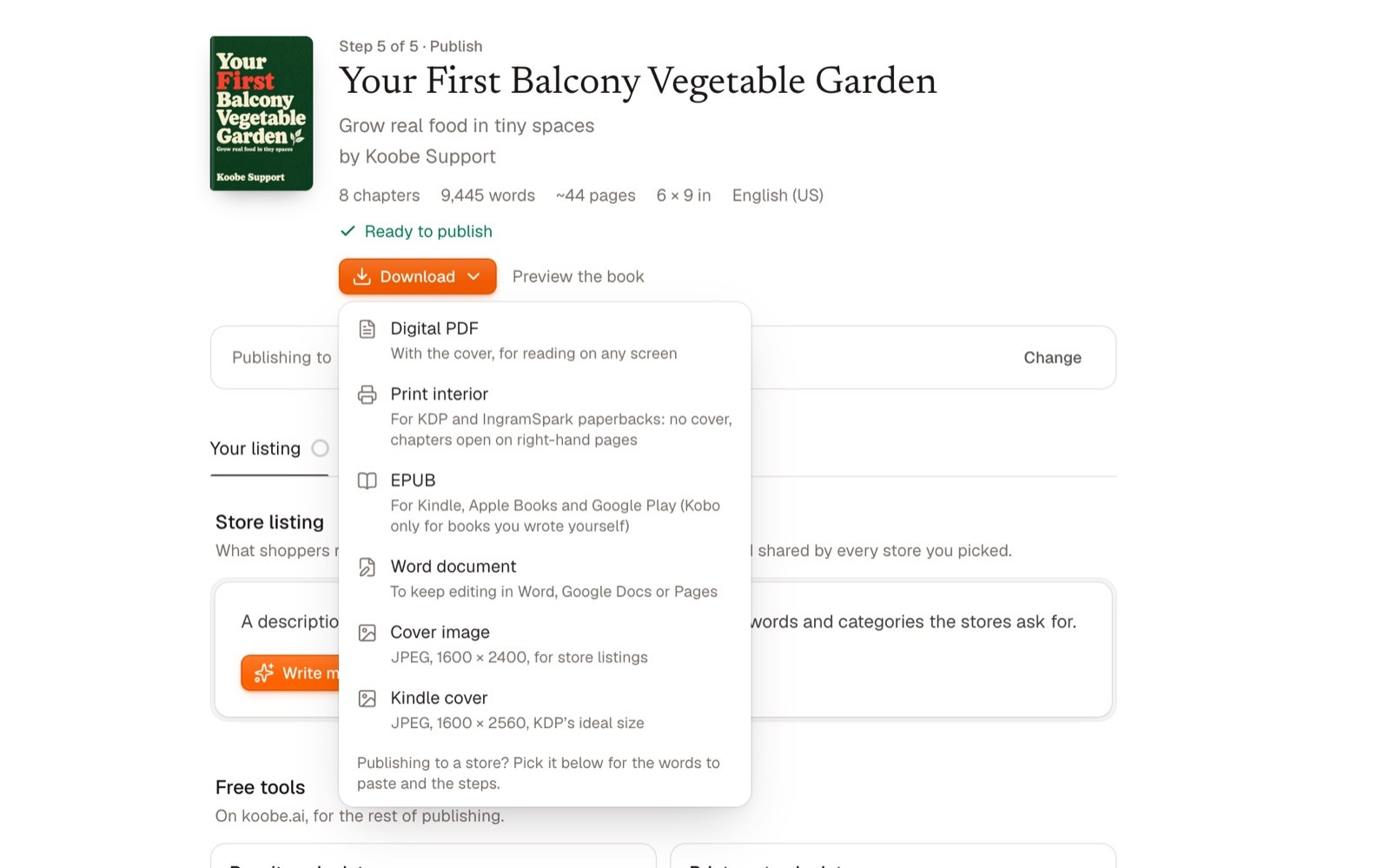
15 OCT 2026 · Koobe 1.4
Design
Word export, all your KDP files in one click, and your own cover
Download your book as a Word document to keep editing it in Word, Google Docs or Pages, with its headings, tables, pictures and real footnotes.
- Download all KDP files: one zip with the Kindle EPUB and cover, the print interior, the paperback cover and a “Read me first” sheet with your trim size, page count and spine width.
- Upload your own cover, as it is or with Koobe setting your title on it.
- On picture covers, move the title and change its colour and typeface.
- Download my data, in Settings › Security, gives you every book you’ve made.
